
Grid Gallery
Clean, structured layouts with full control over image ratio and columns.
OGALLERY is much more than a gallery plugin. It is a complete visual system for creating, styling, organizing, protecting and presenting photography, portfolios, product images and client galleries — with extensive control over every detail.
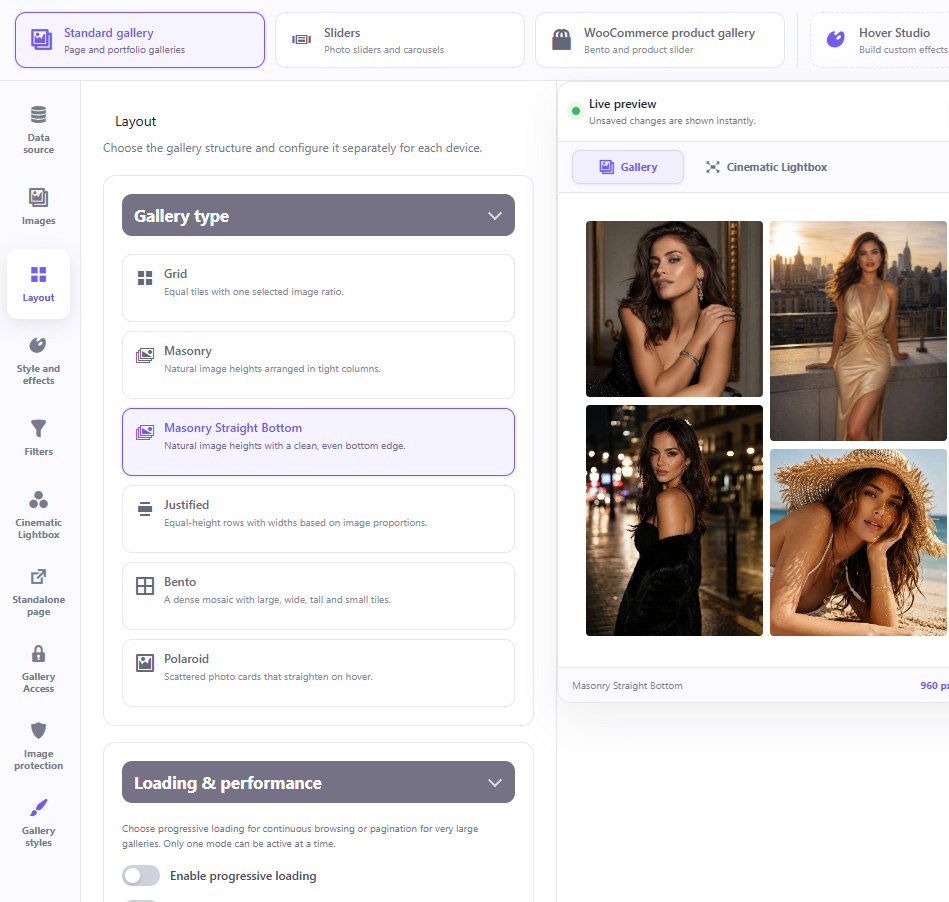
Create completely different visual experiences without changing plugins.
Clean, structured layouts with full control over image ratio and columns.
Natural image proportions arranged in flowing columns.
The organic Masonry look with a perfectly aligned bottom edge.
Elegant equal-height rows with naturally calculated image widths.
Modern editorial compositions mixing large, wide, tall and small images.
Define the size of individual tiles yourself for completely custom compositions.
Overlapping photographic cards with natural rotations and interactive movement.
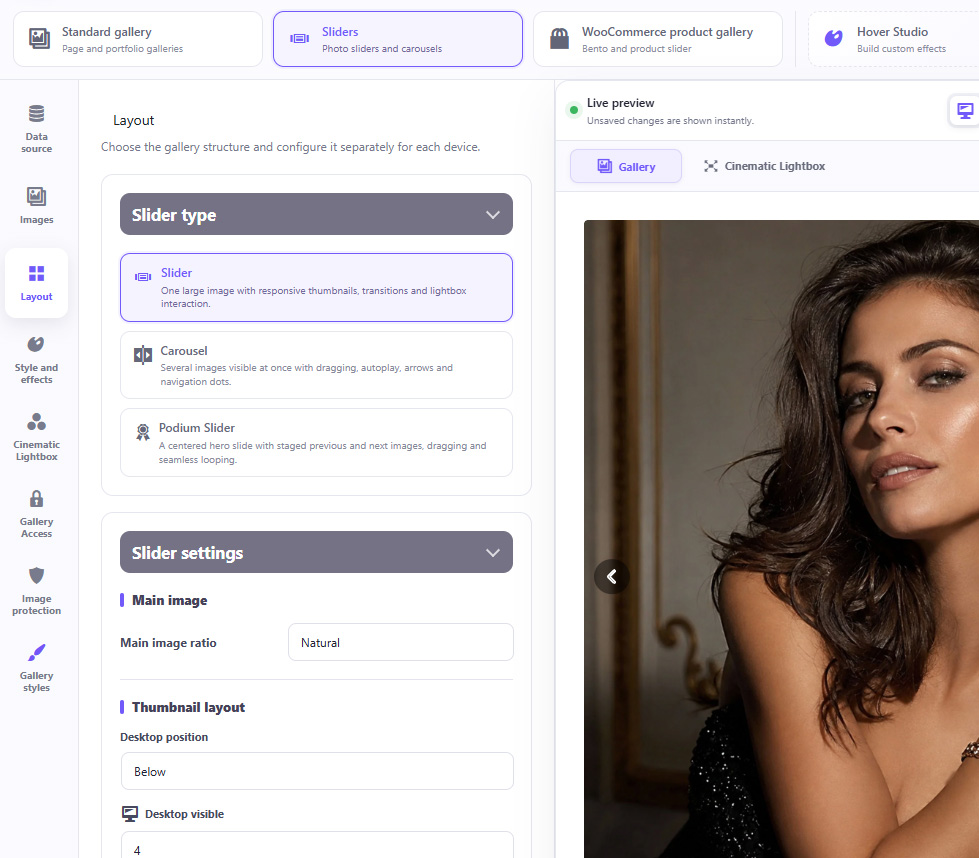
Replace ordinary product image galleries with modern, premium presentations.
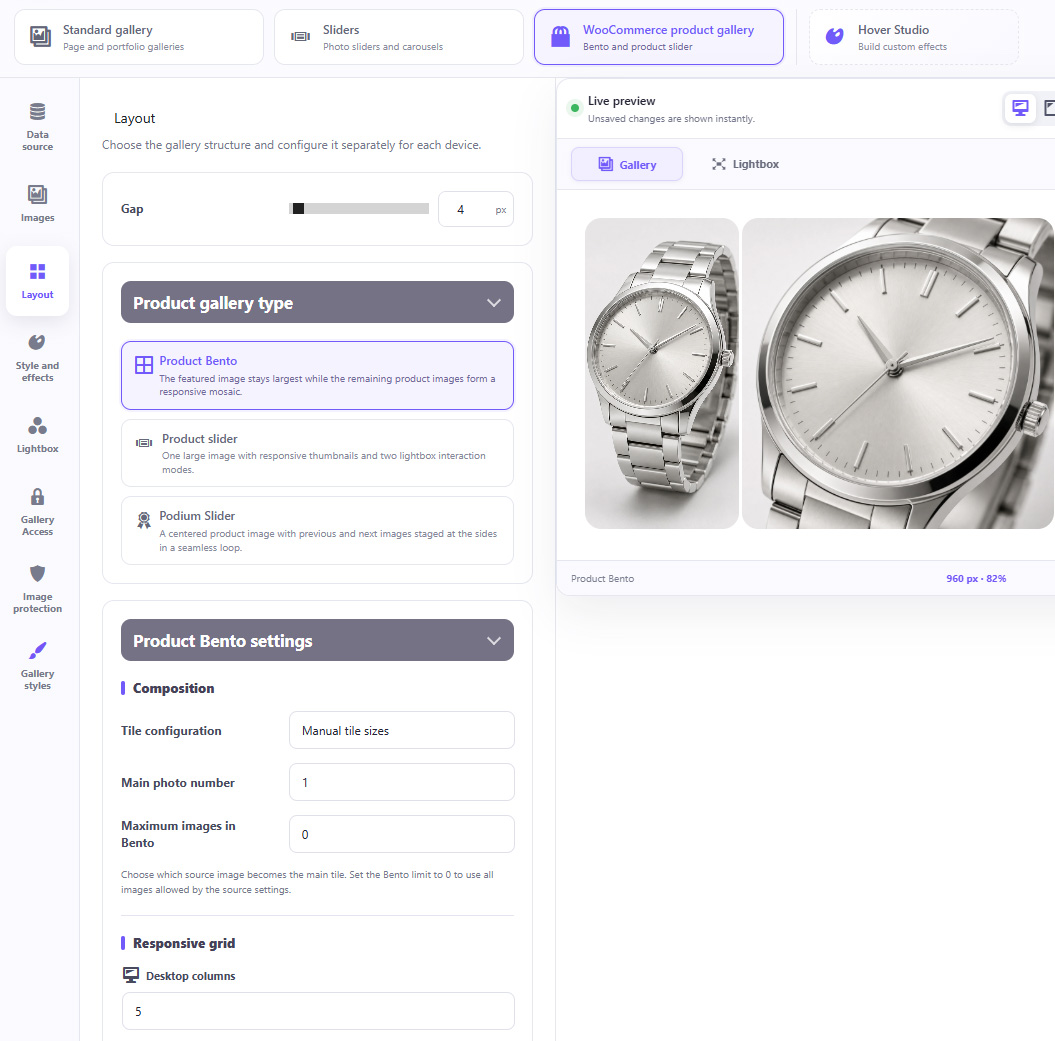
Automatically use the WooCommerce featured image and product gallery
Use images from the current product or another selected product
ACF-powered product image sources
Responsive thumbnail navigation
Horizontal or vertical thumbnails
Custom thumbnail sizes, ratios, spacing and borders
Main image fit and focal point controls
Arrows, counters and slideshow
Looping and transitions
Lightbox integration
Featured-image-first layouts
Perfect for stores where product photography is an important part of the buying experience.
OGALLERY does not simply shrink the desktop gallery.
Design the experience separately for:
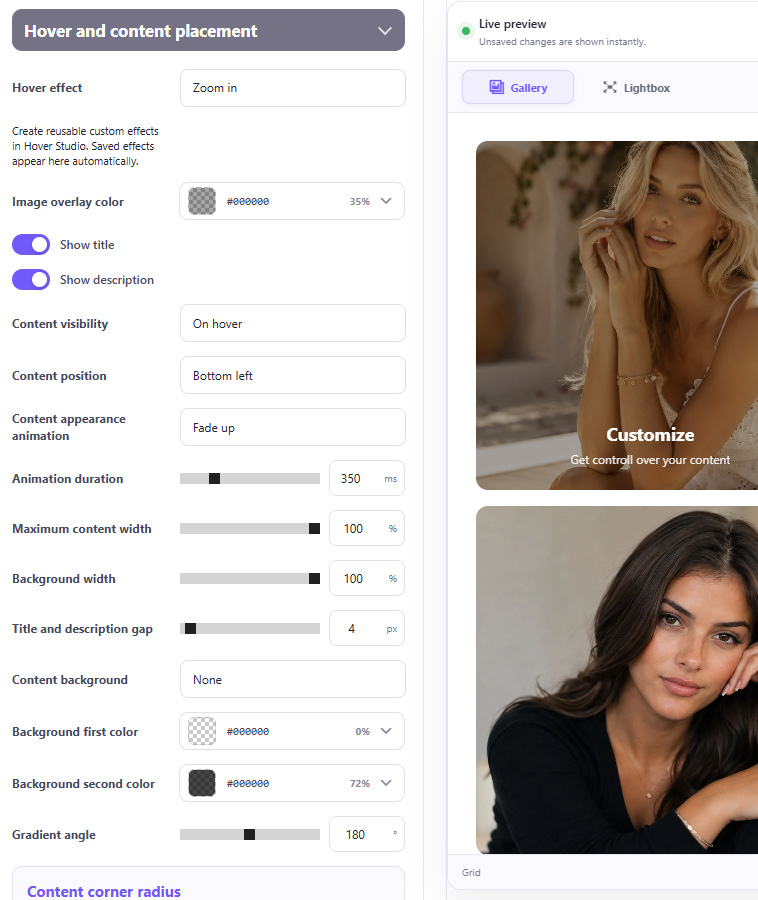

Adjust responsive settings including:
Your gallery can genuinely behave differently on every device.
Create anything from a minimal photography portfolio to a bold editorial presentation.
Control:
The gallery adapts to your design — not the other way around.
Add professional interactions instantly without writing CSS or JavaScript.
Built-in effects include:
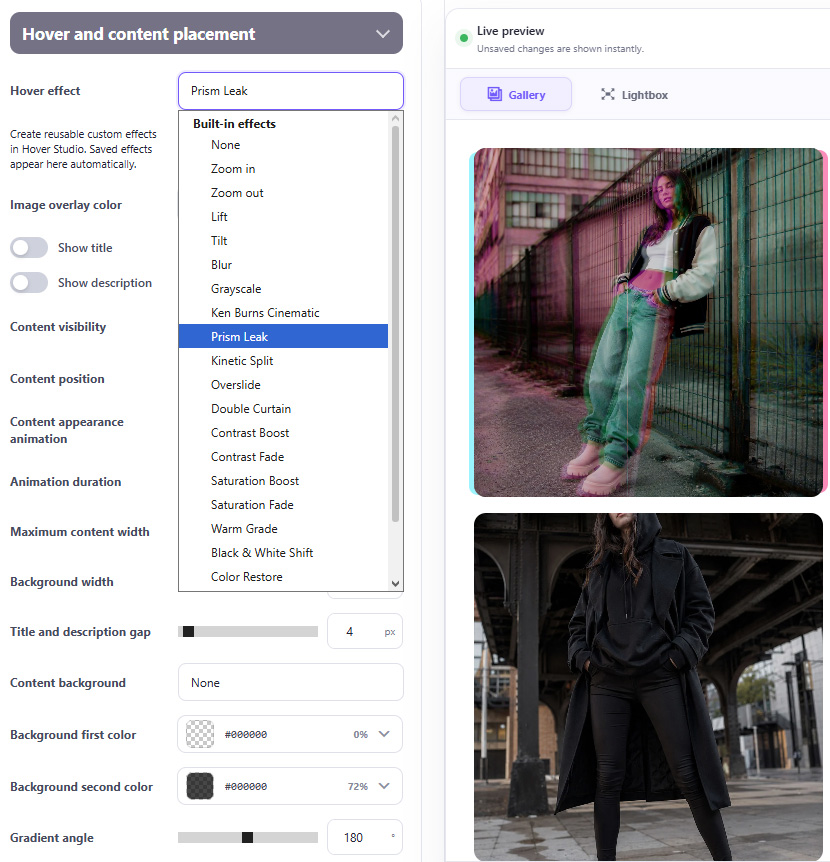
Many effects include additional controls for strength, speed, direction, color and intensity.
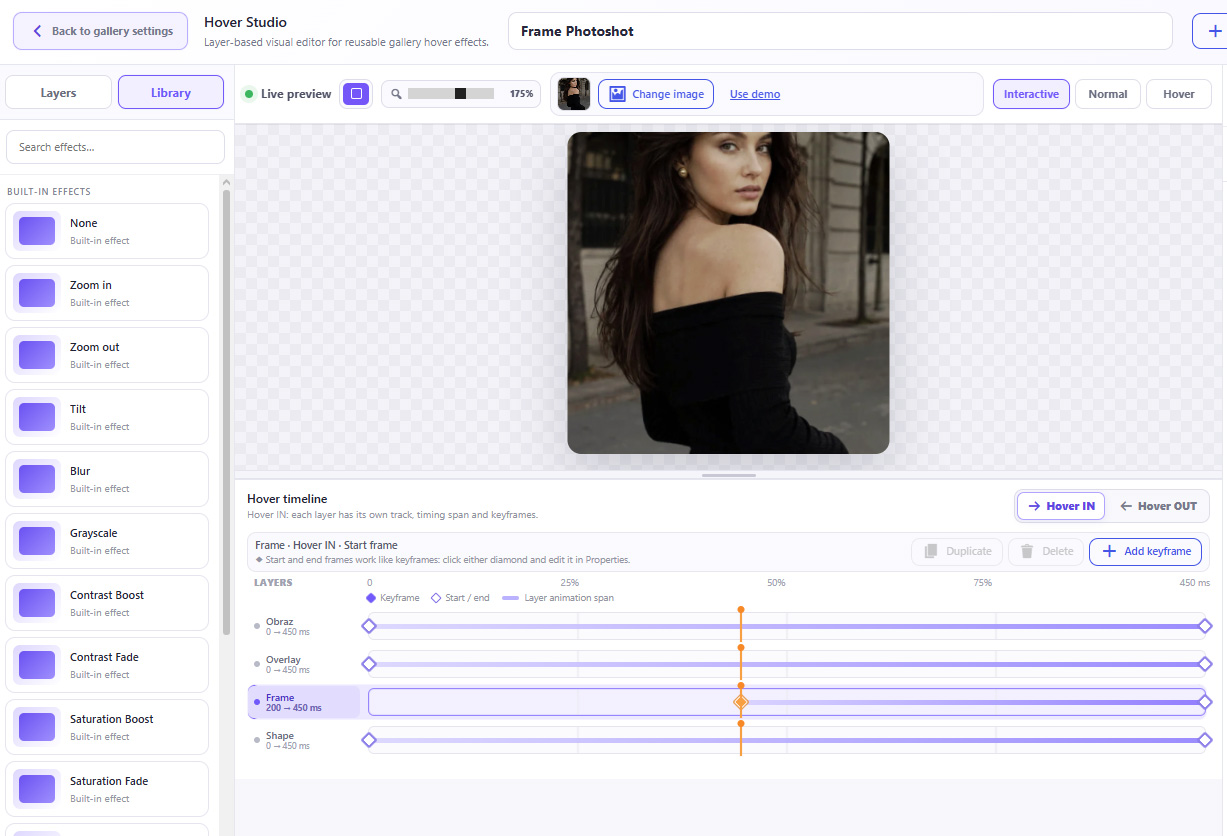
Go far beyond predefined hover effects. Hover Studio lets you build your own interactive effects visually.
Save your creations to My Effects and reuse them across galleries.
Hover effects can also be exported and imported, making it easy to move custom designs between websites.
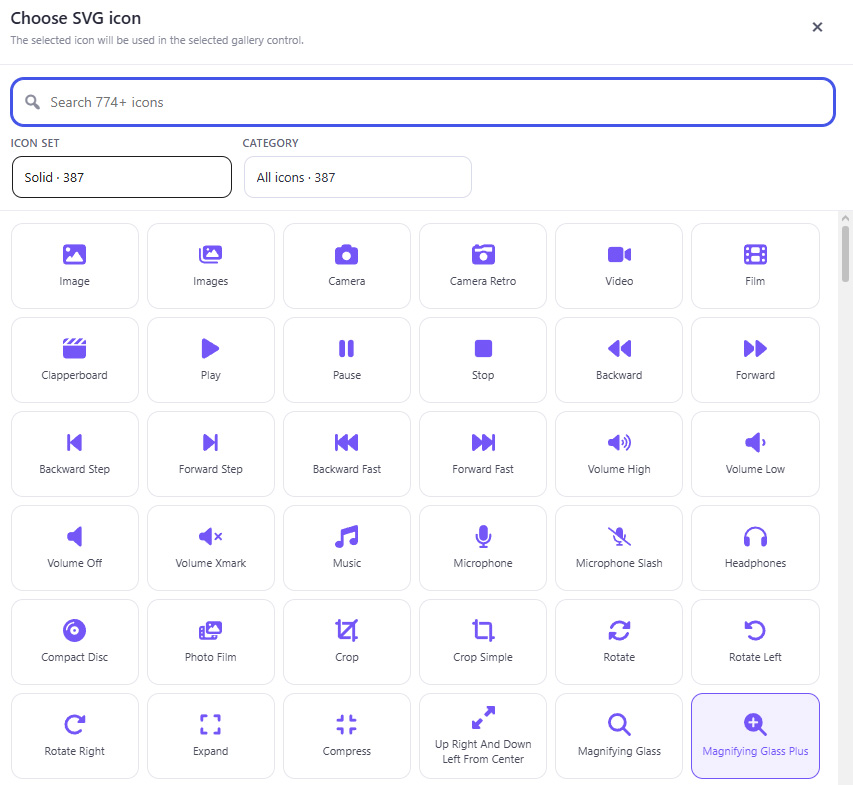
Manage gallery content without leaving Gallery Studio.
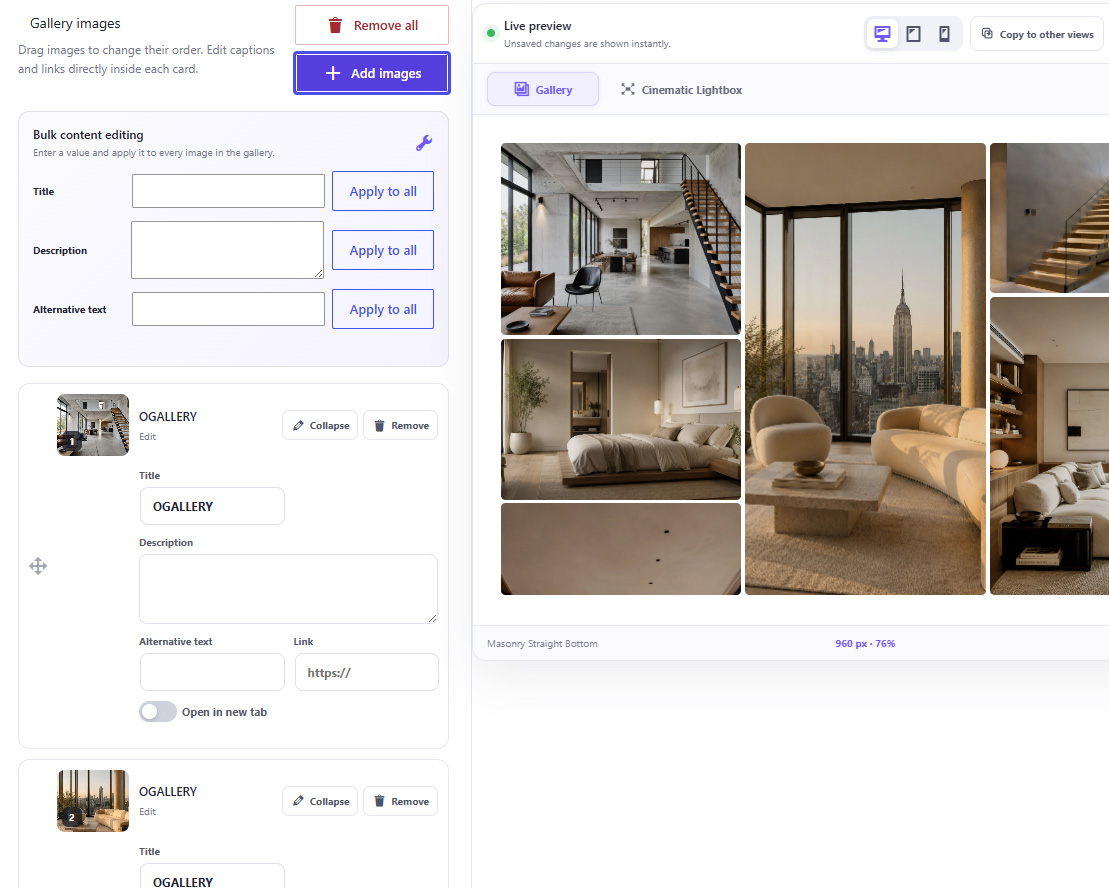
Manage gallery content without leaving Gallery Studio.
A gallery does not have to contain a manually selected static list of images.
Choose between:
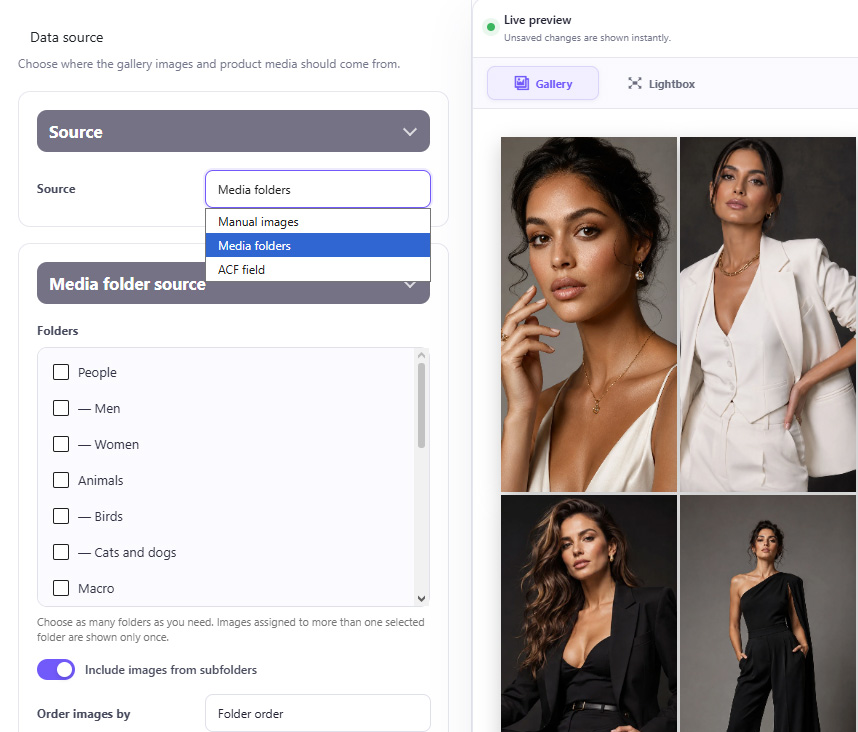
Media Folder galleries can use:
When the content of a connected folder changes, the gallery updates automatically.
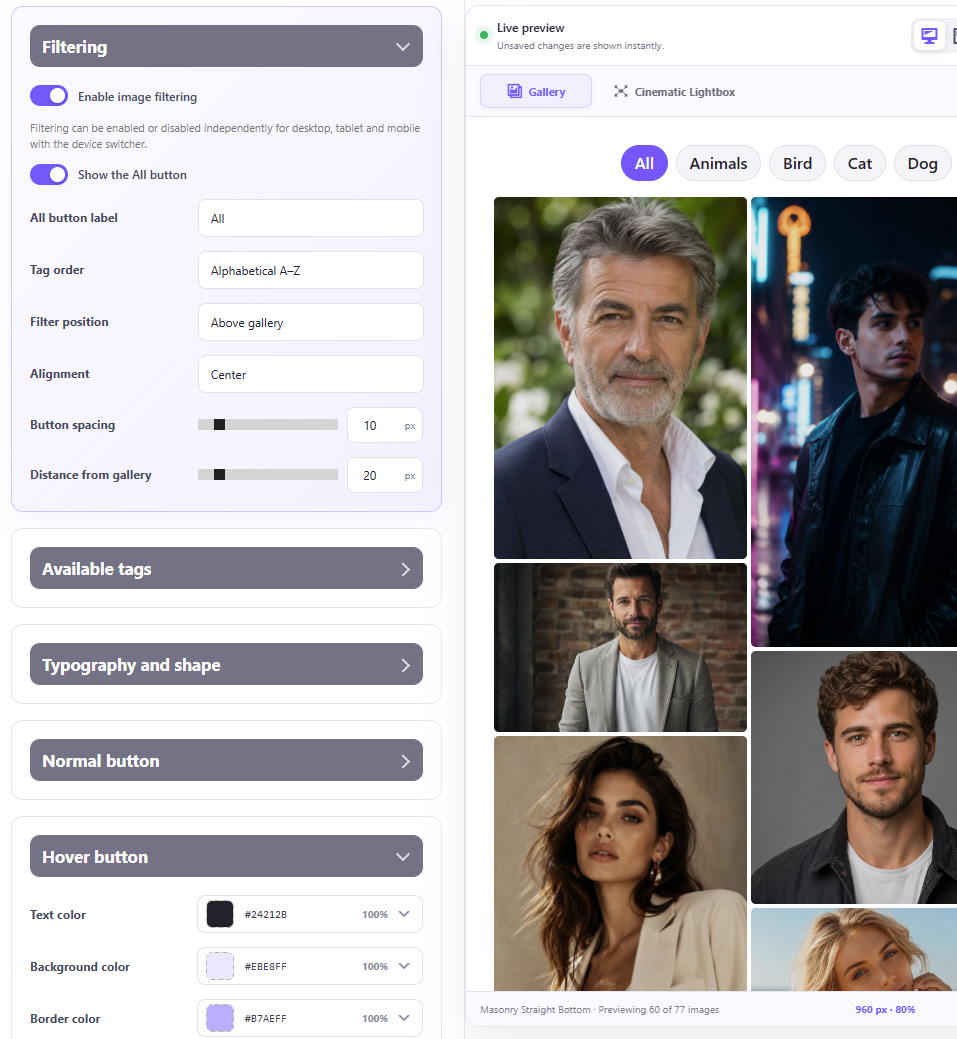
Progressive Loading intelligently loads images in stages instead of all at once. OGALLERY prioritizes what’s visible and preloads upcoming images just before they enter the viewport, keeping galleries fast, smooth and responsive — even with large image collections.
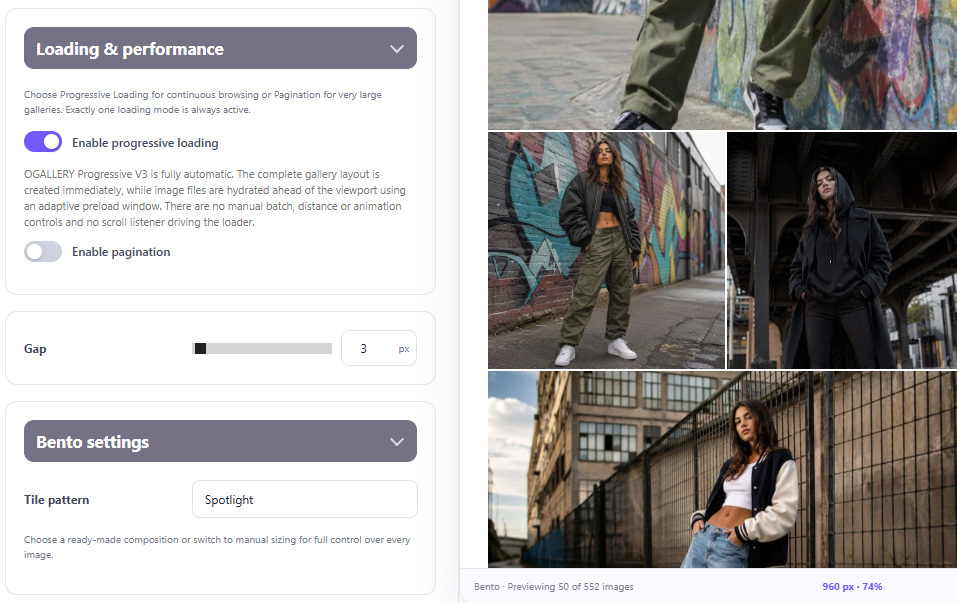
For extremely large galleries, use fully customizable pagination instead.
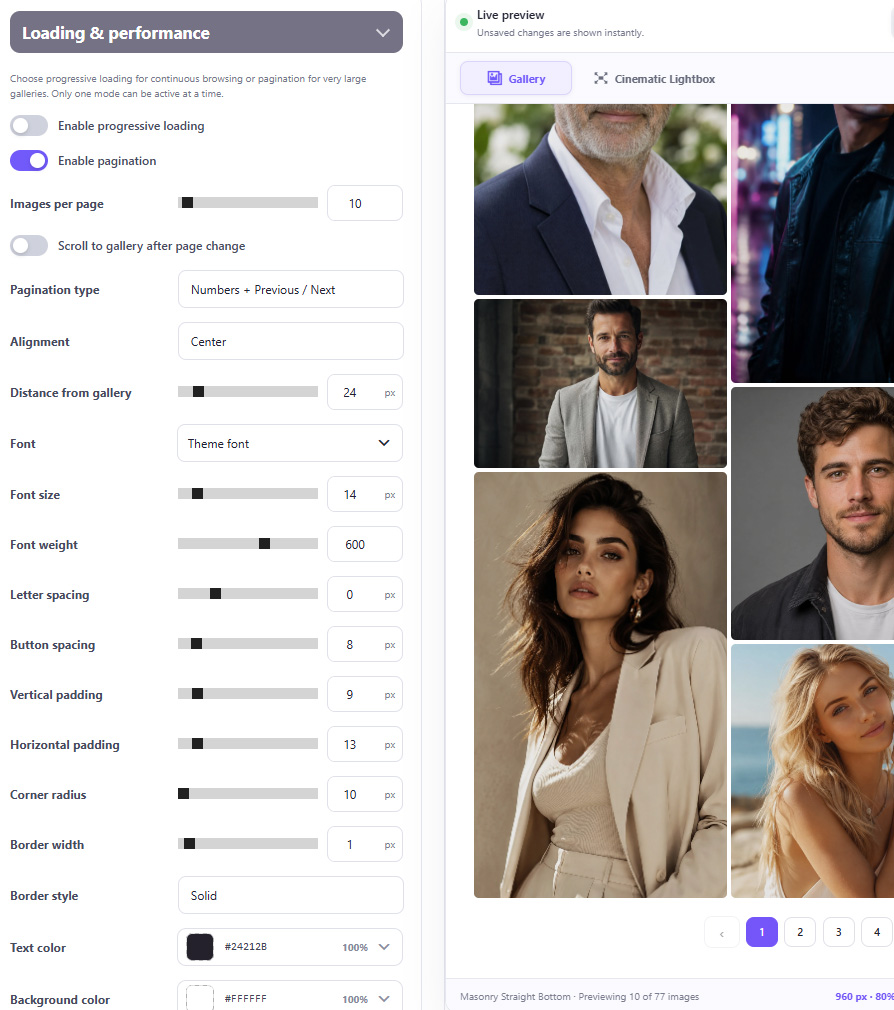
Choose:
Customize:
Pagination settings can also be different for desktop, tablet and mobile.
Turn gallery images into an immersive screen experience.
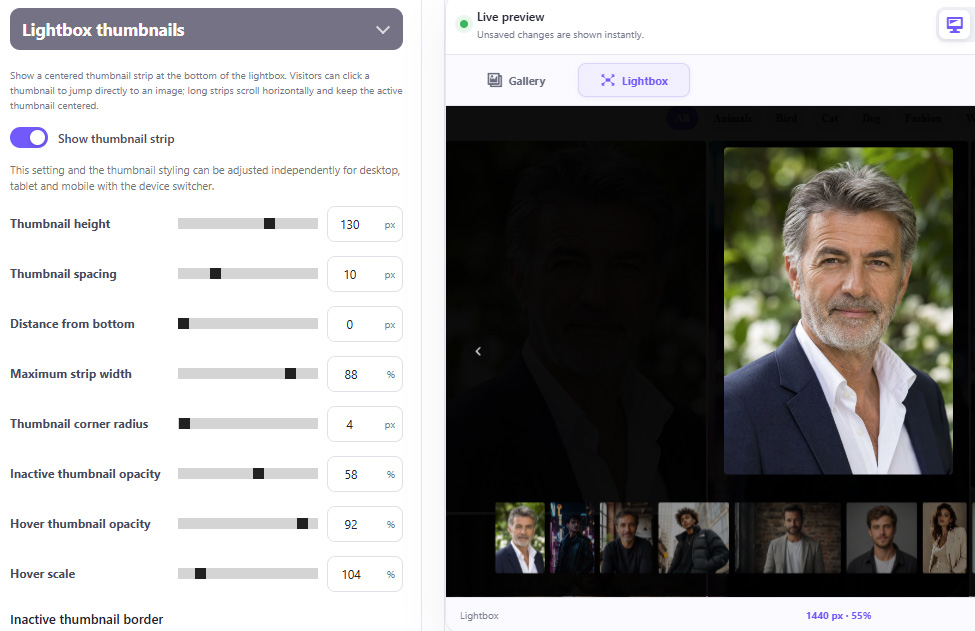
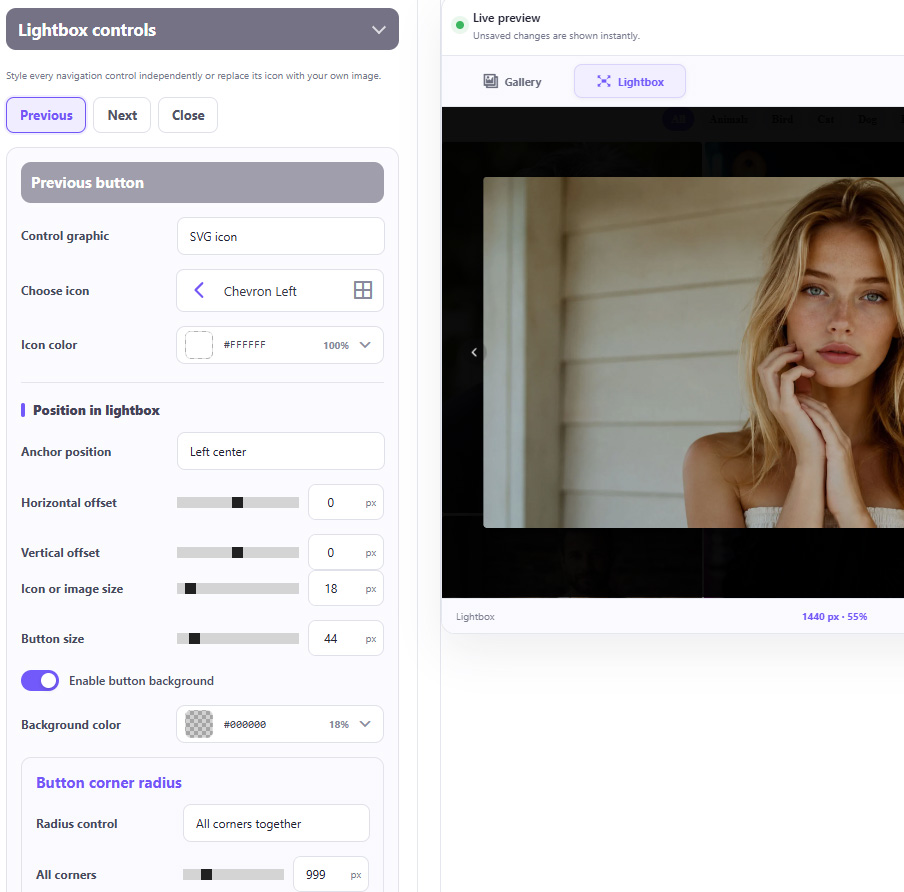
Control almost every visual element:
Previous, Next and Close controls can each be designed independently.
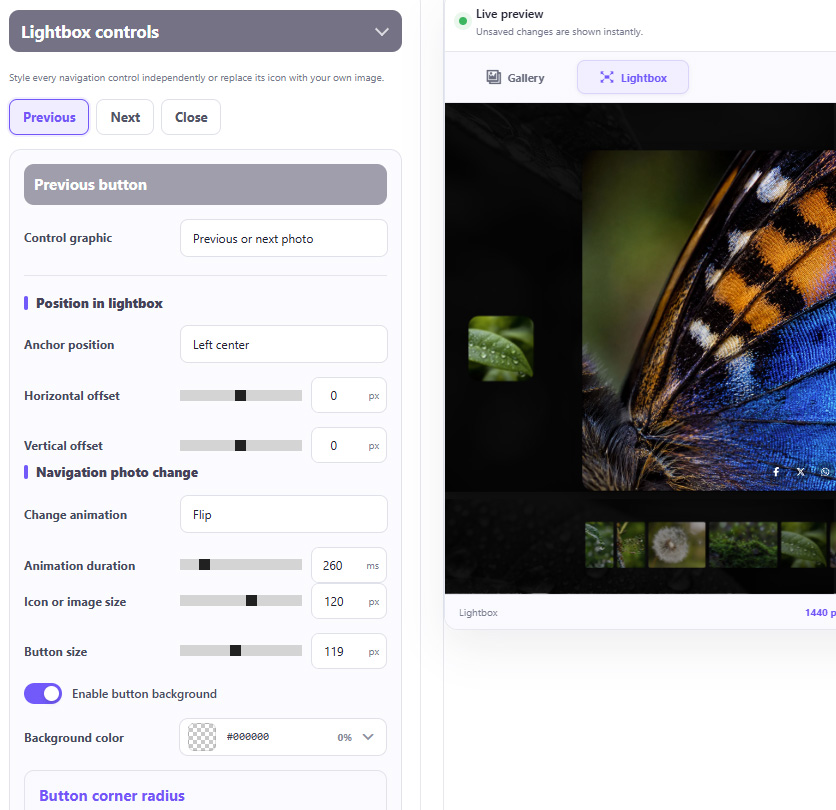
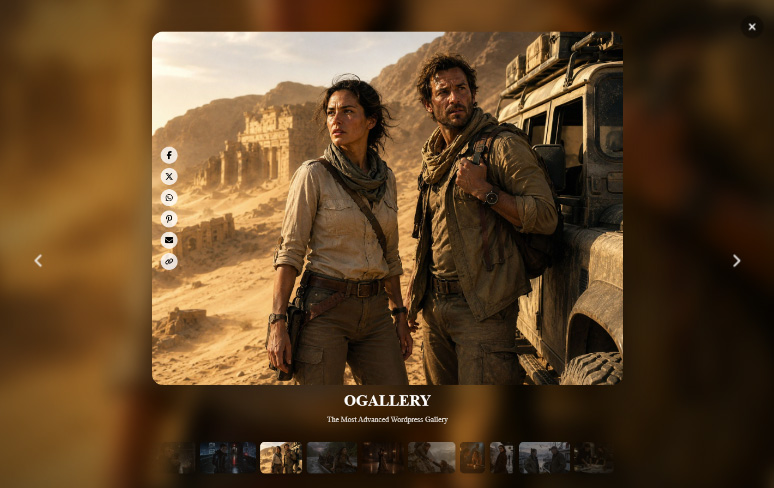
Your Lightbox controls do not have to look like everyone else's.
Create a much more immersive viewing experience with a dedicated cinematic presentation system.
Features include:
Add a cinematic thumbnail filmstrip to the main photograph.
Position it:
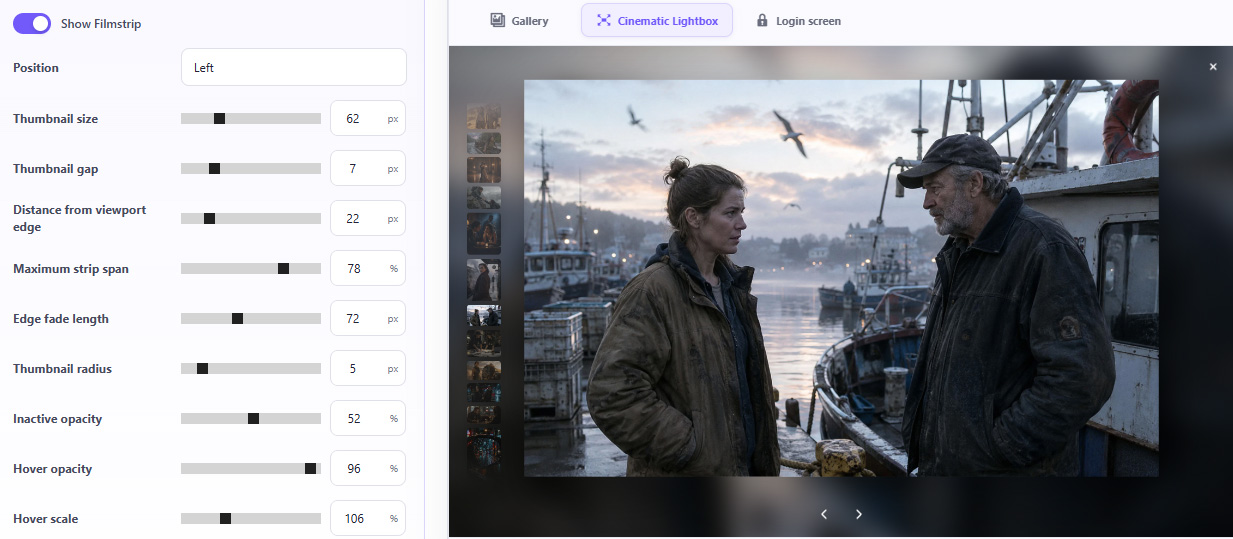
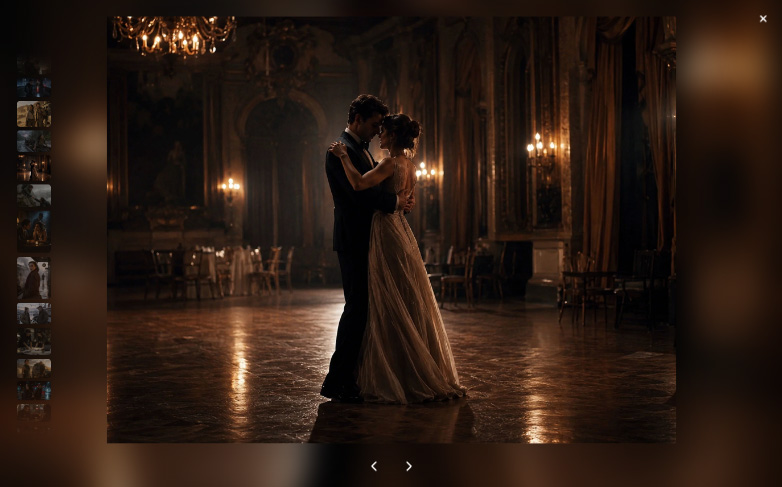
Customize:
Clicking a filmstrip thumbnail navigates directly to that photograph.
Create a soft viewing experience with images that gently float through an atmospheric, dream-like space.
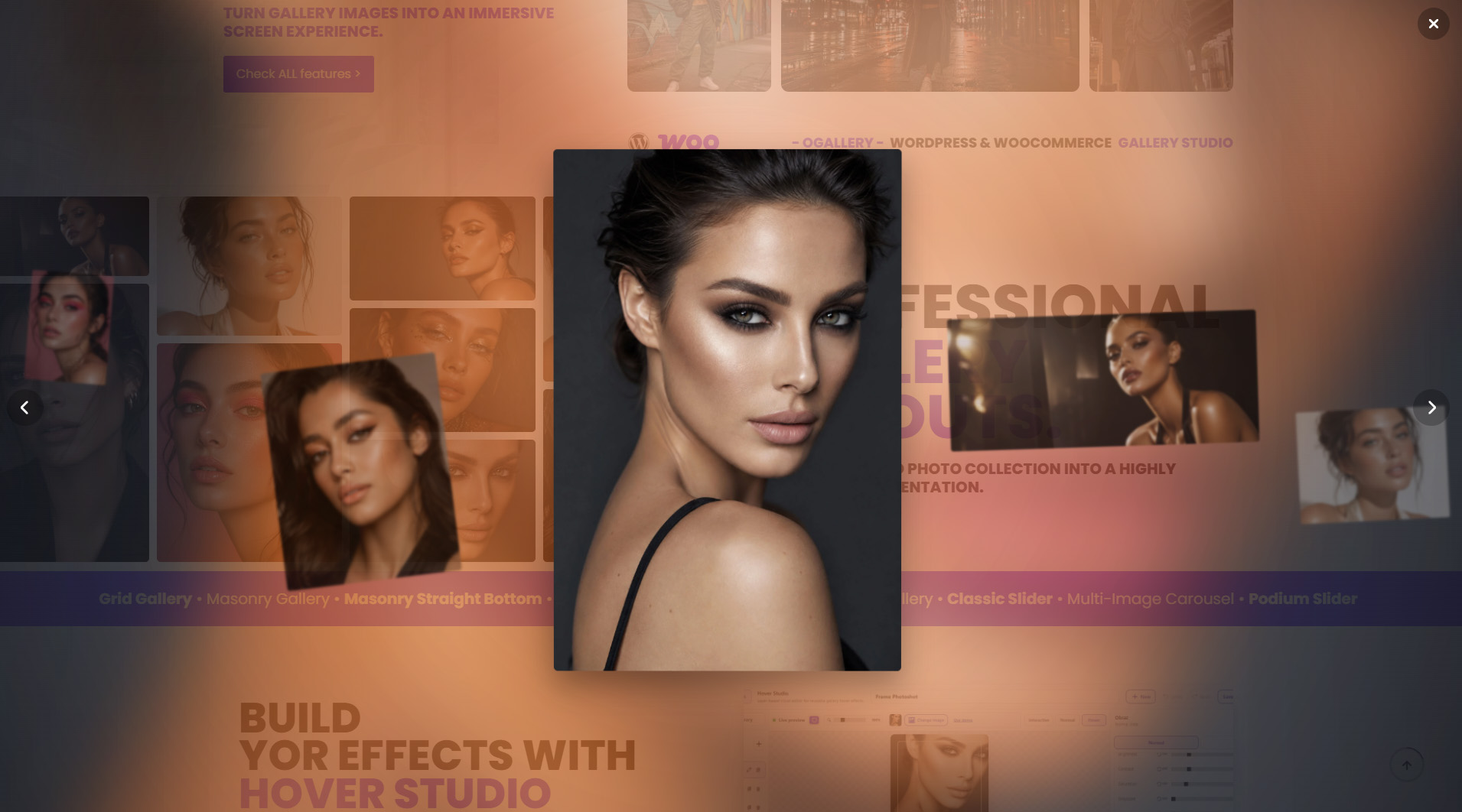
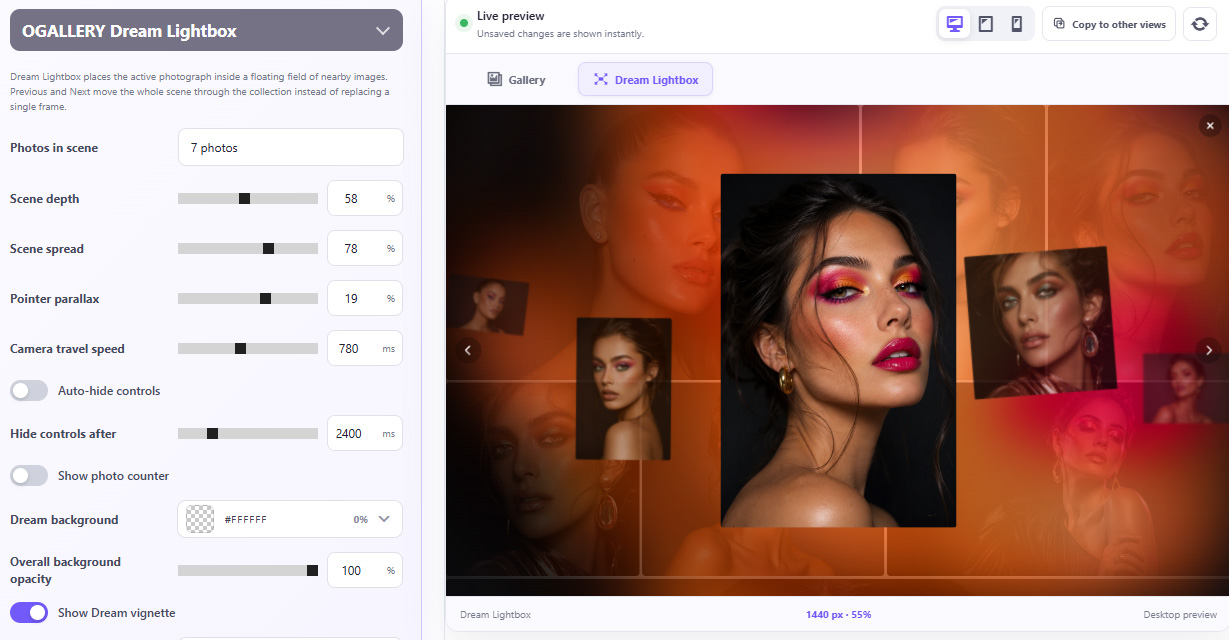
Features include:
No more awkward horizontal swiping. No more forcing your fingers into unnatural gestures.
Enable natural up-and-down navigation across all OGALLERY lightbox styles, including Classic, Cinematic and Dream Lightbox. Keep the same look, styling, features and customization options — and simply switch image navigation from horizontal to vertical swiping. Browse photos with the same natural finger movement you already use to scroll through your phone every day.
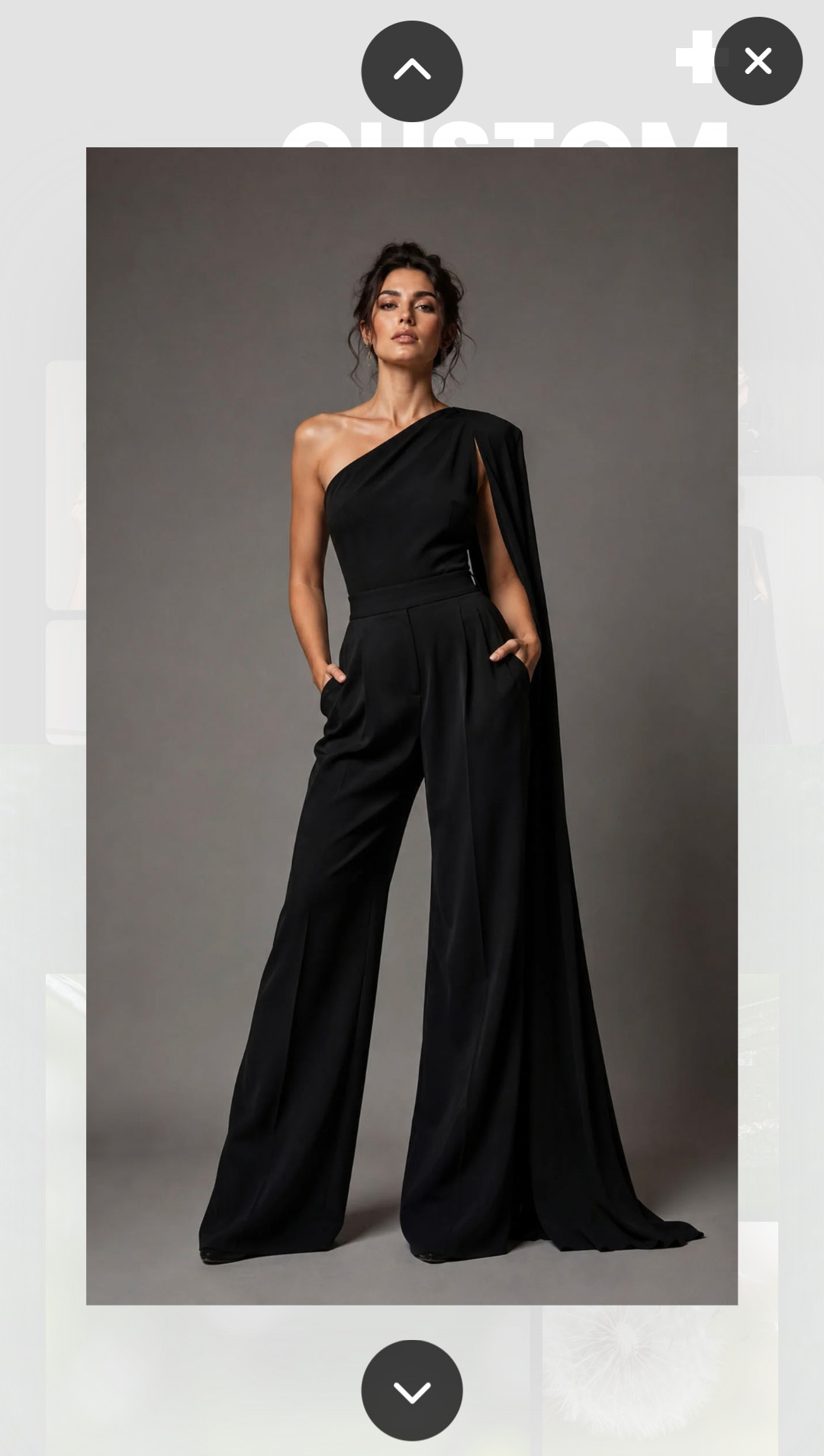

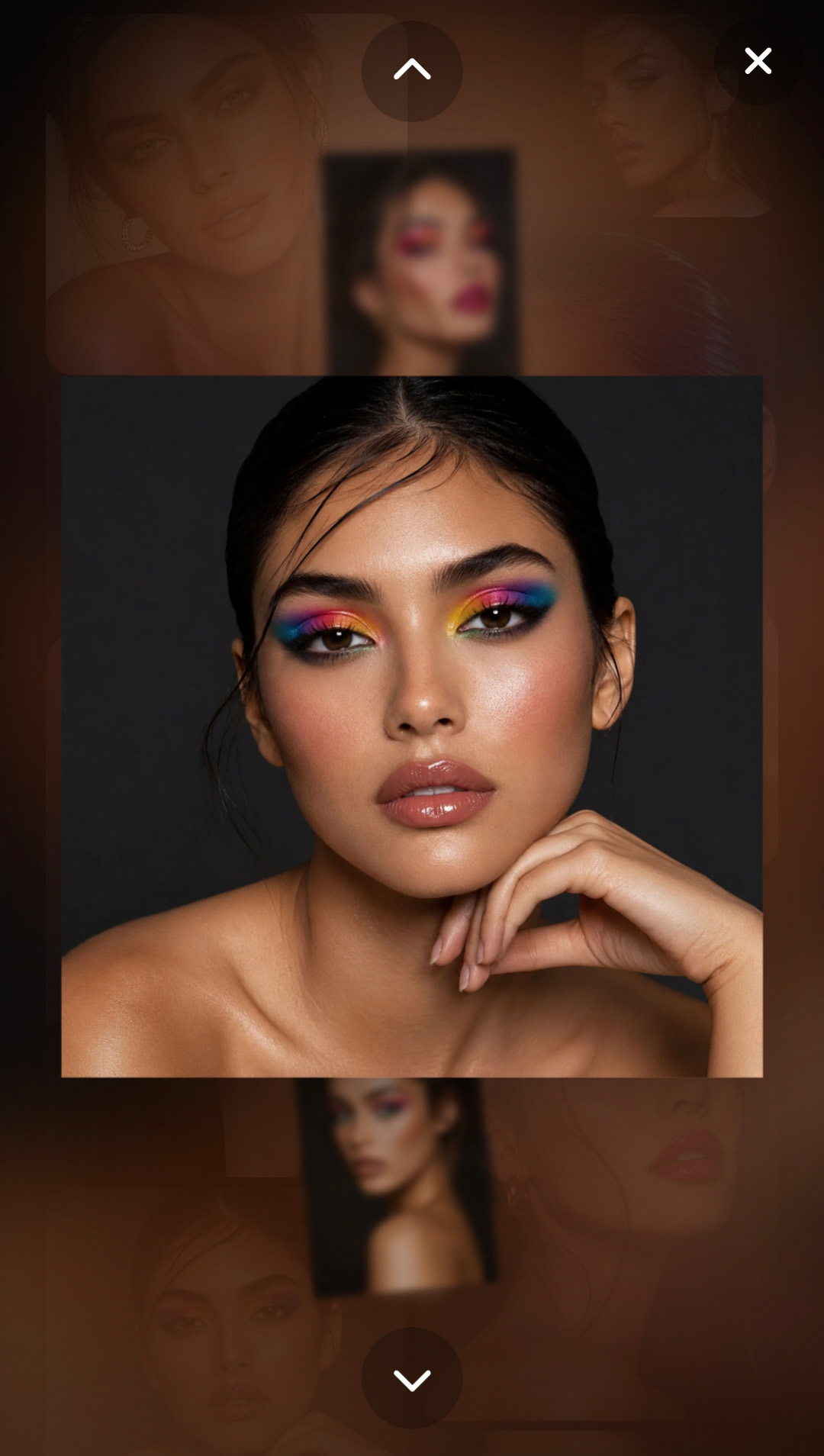
Classic · Cinematic · Dream
A gallery does not even need a normal WordPress page.
Create a dedicated shareable gallery URL directly from OGALLERY.
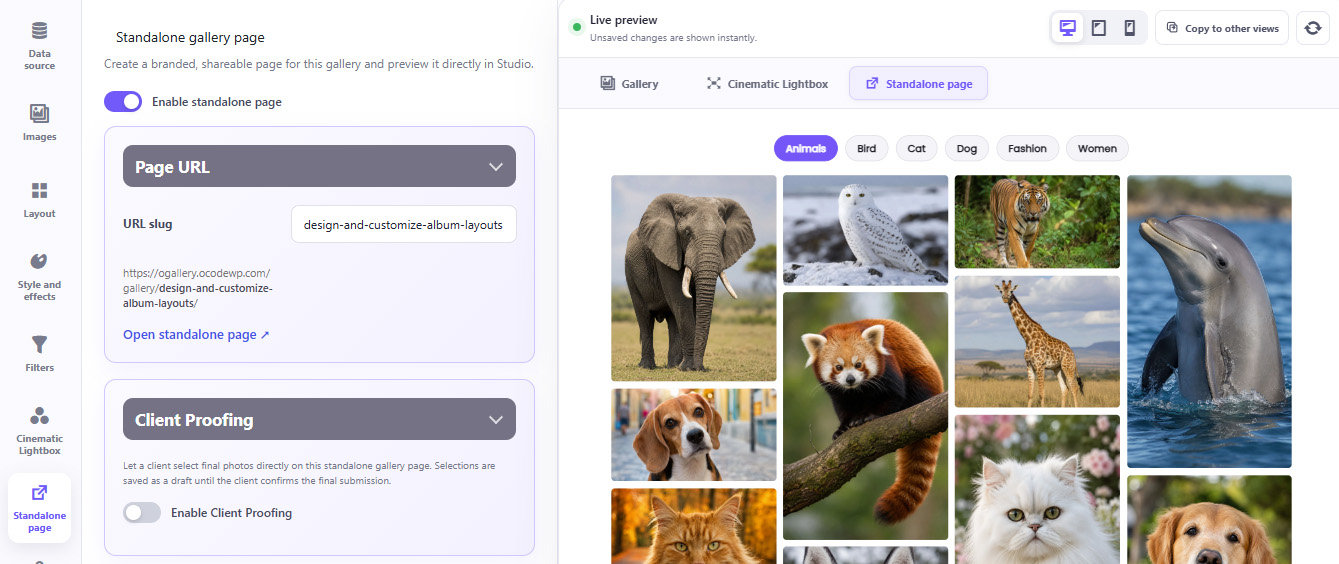
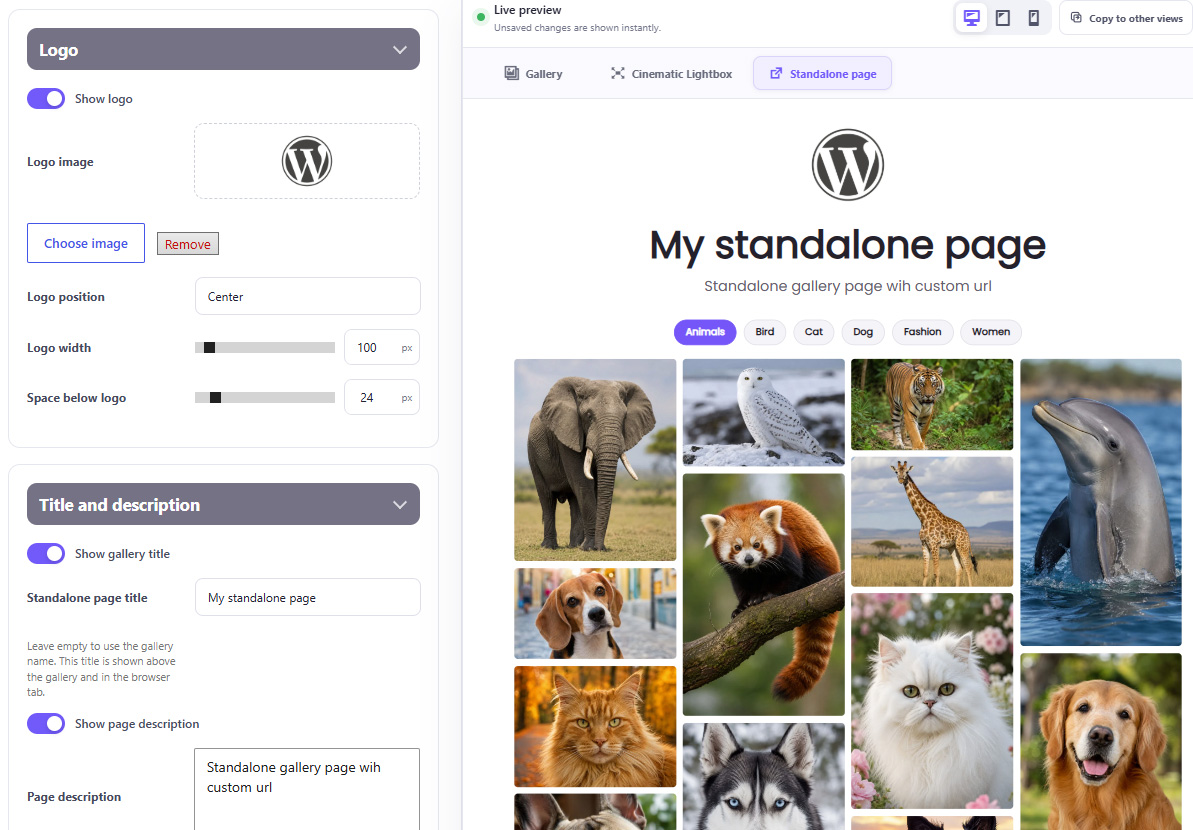
Customize:
Perfect for:
Protect galleries that should not be publicly accessible.
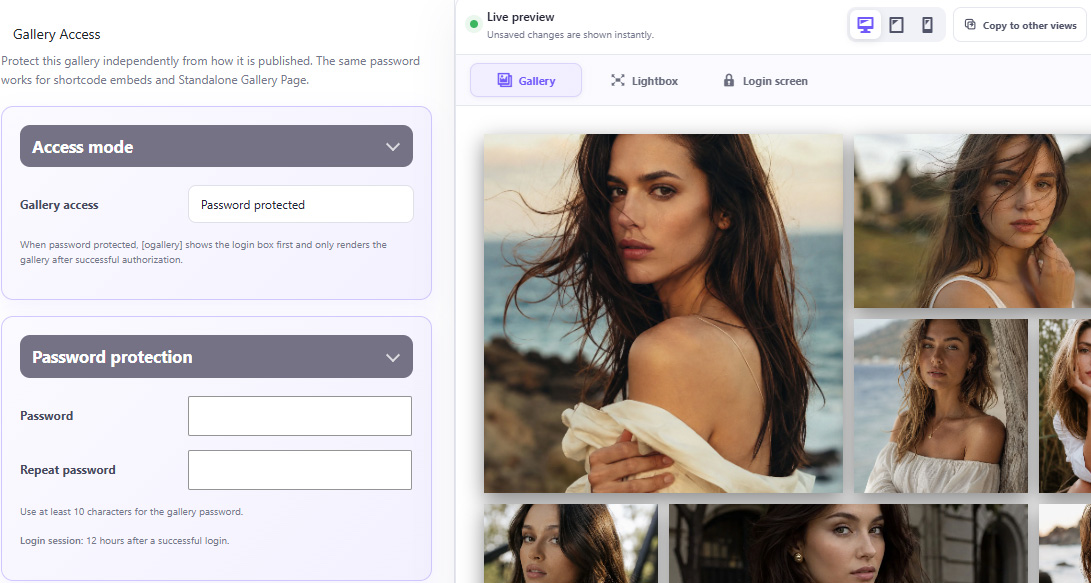
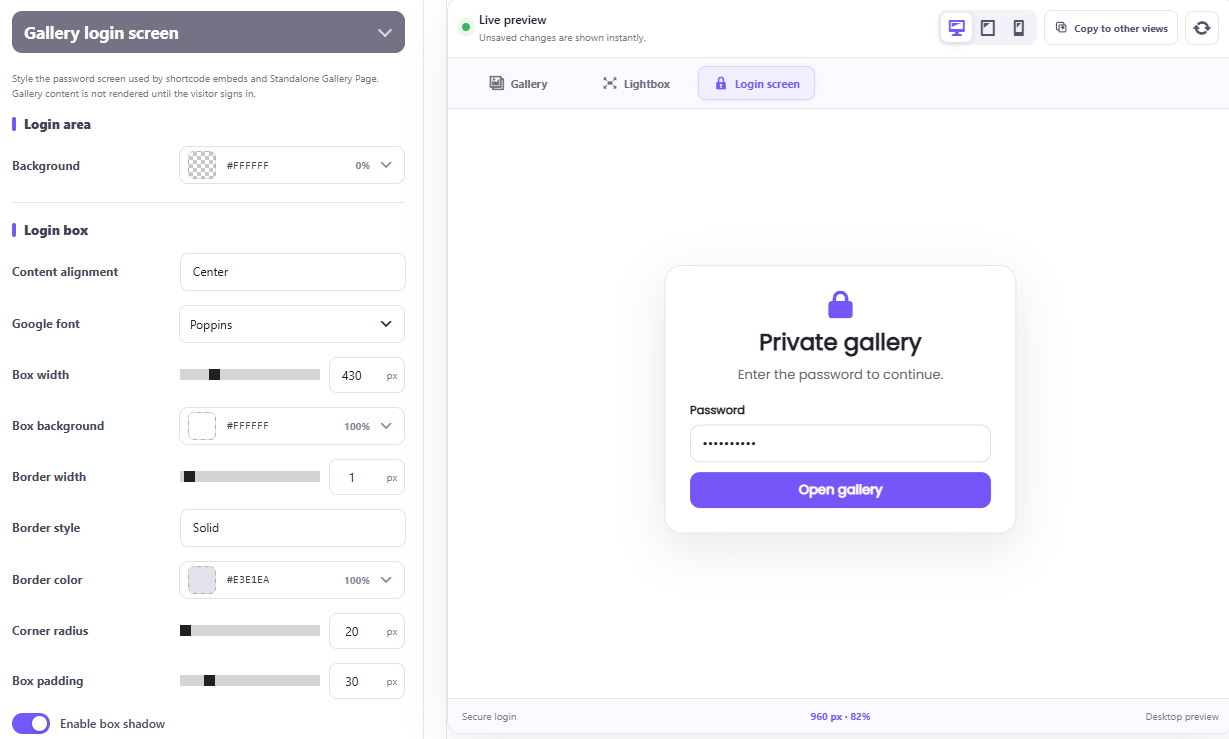
Features include:
The protected experience can still be completely branded to match the website.
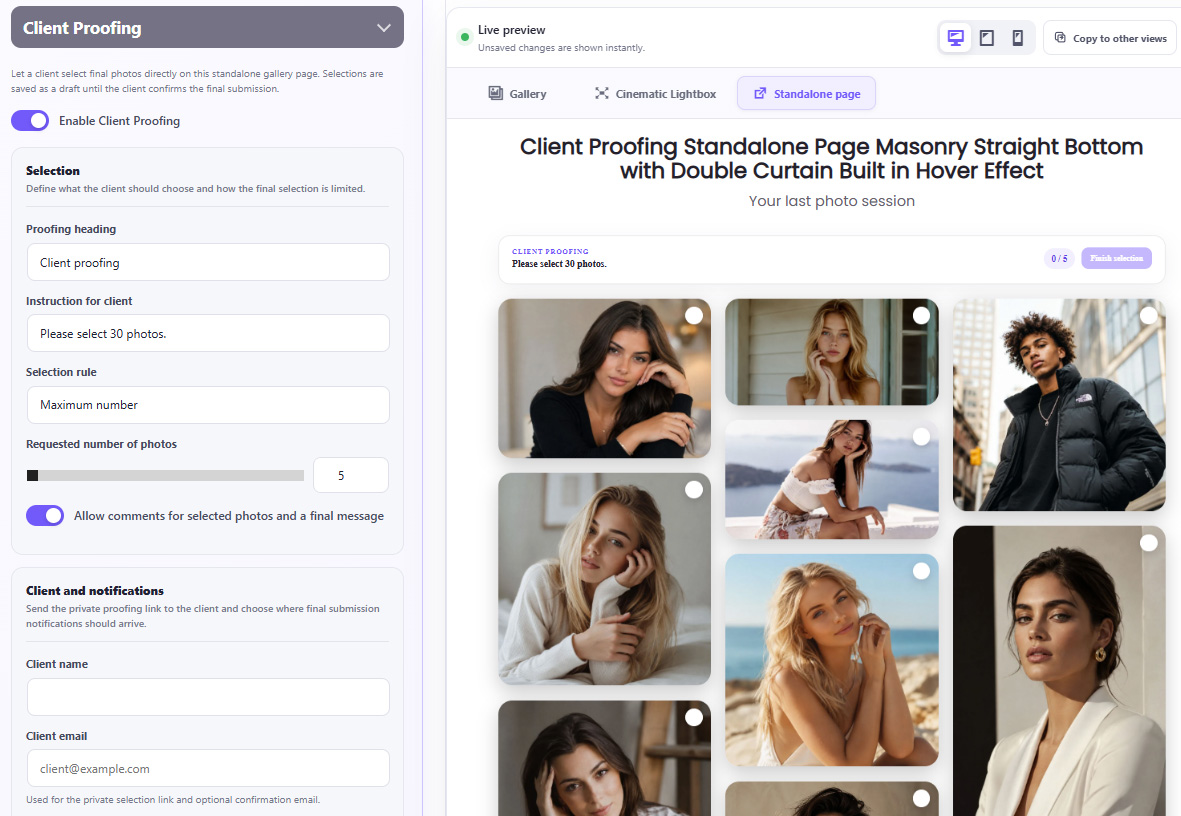
Send a private gallery to a client and let them choose their final photographs directly online.
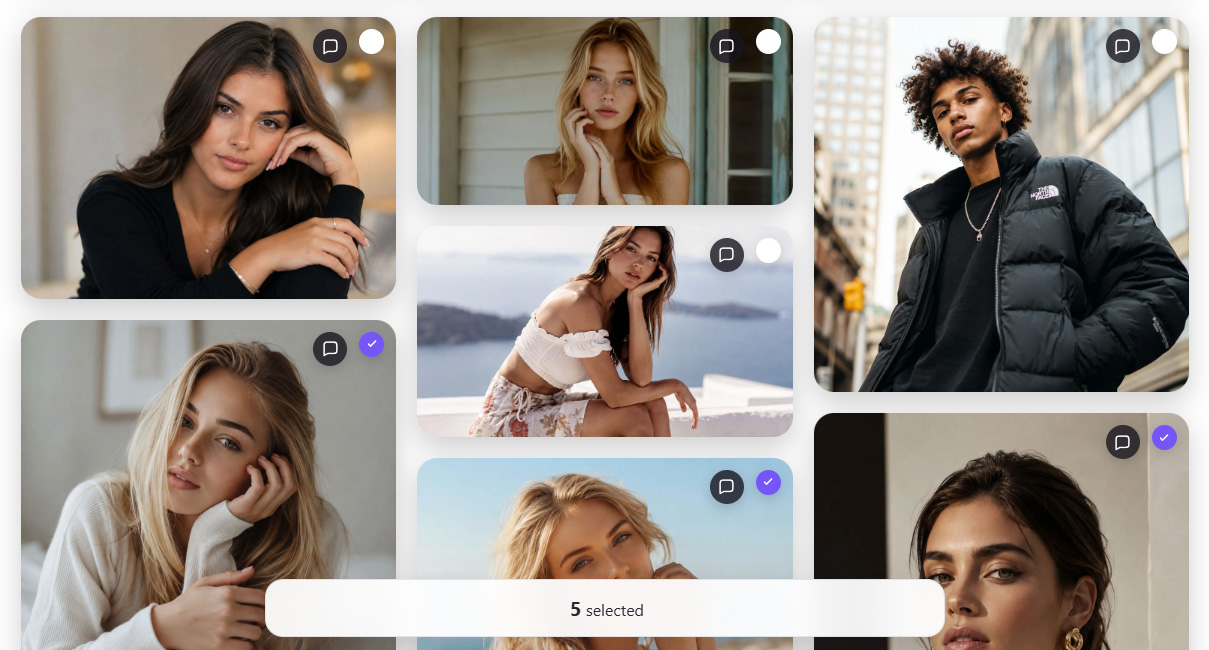
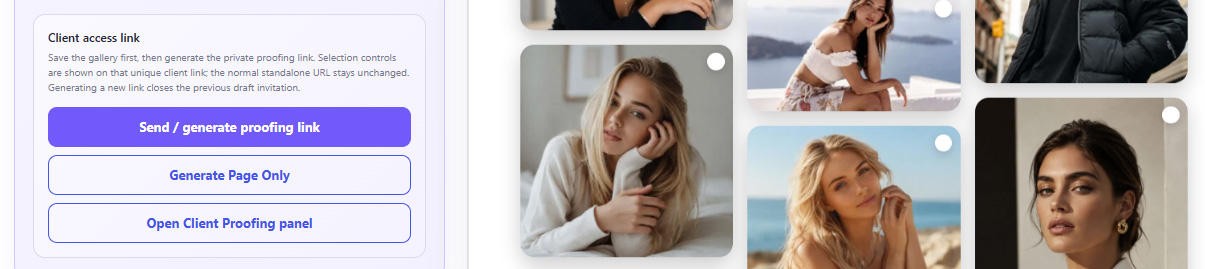
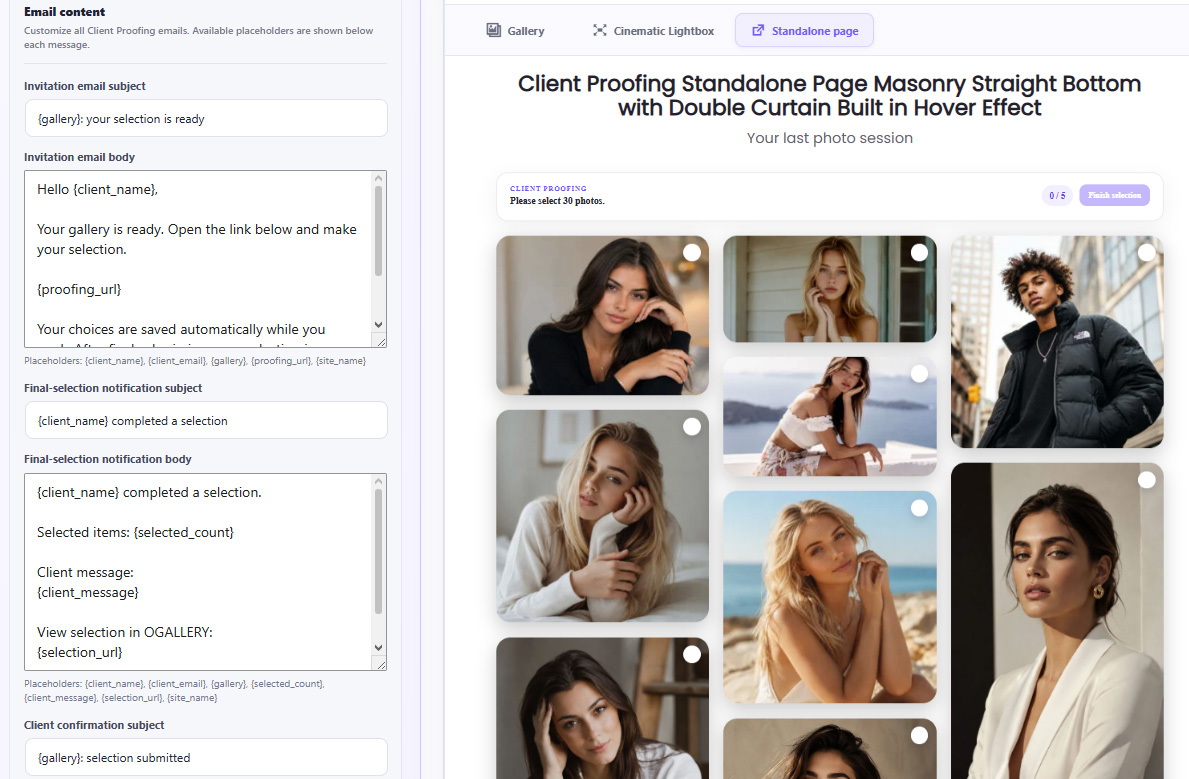
Choose a selection rule:
Clients can:
Once submitted, the selection can be locked to prevent accidental changes.
Create a complete client workflow.
Manage all client selections from WordPress.
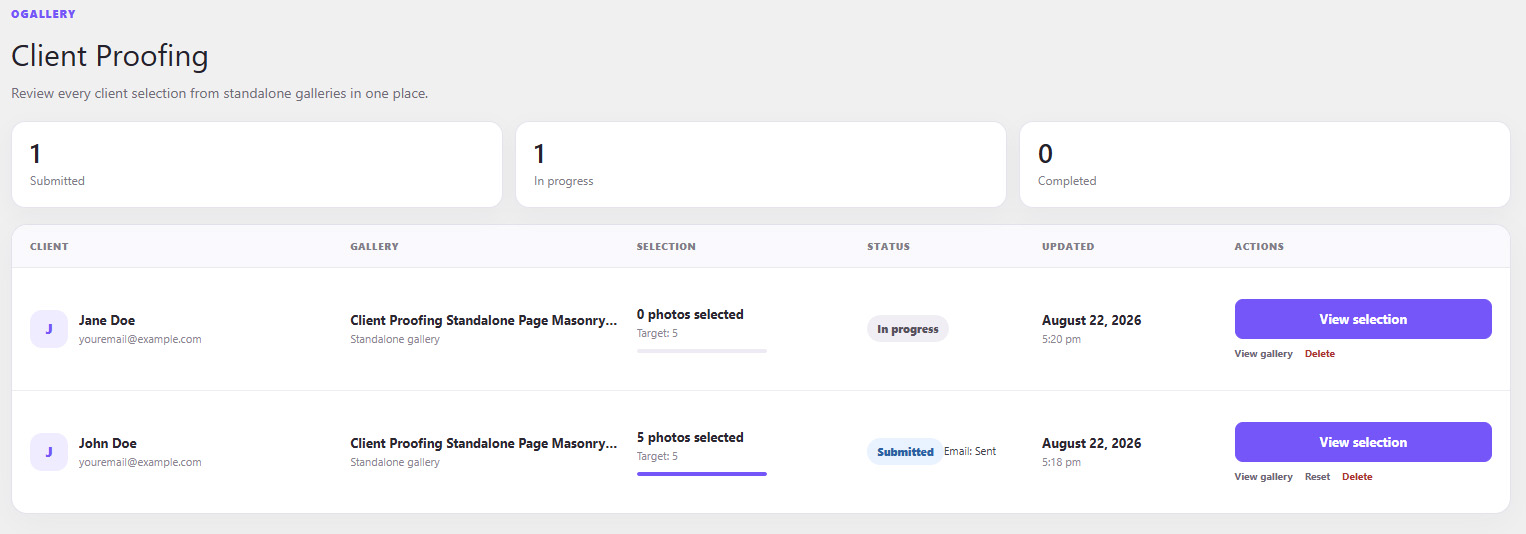
See:
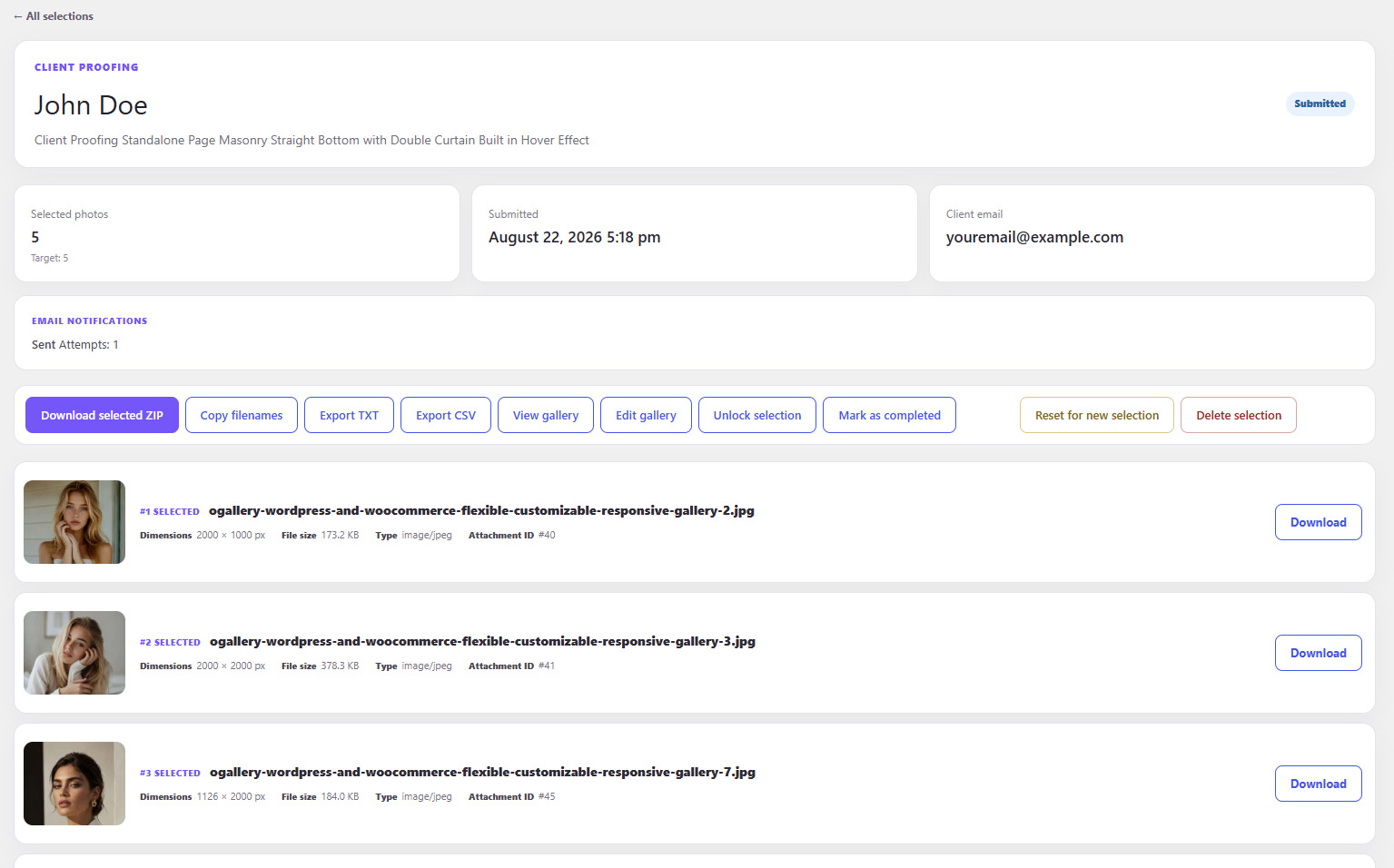
For completed selections you can:
This makes OGALLERY suitable not only for displaying photography, but for running a real client-delivery workflow.
Organize the WordPress Media Library in a completely new way.
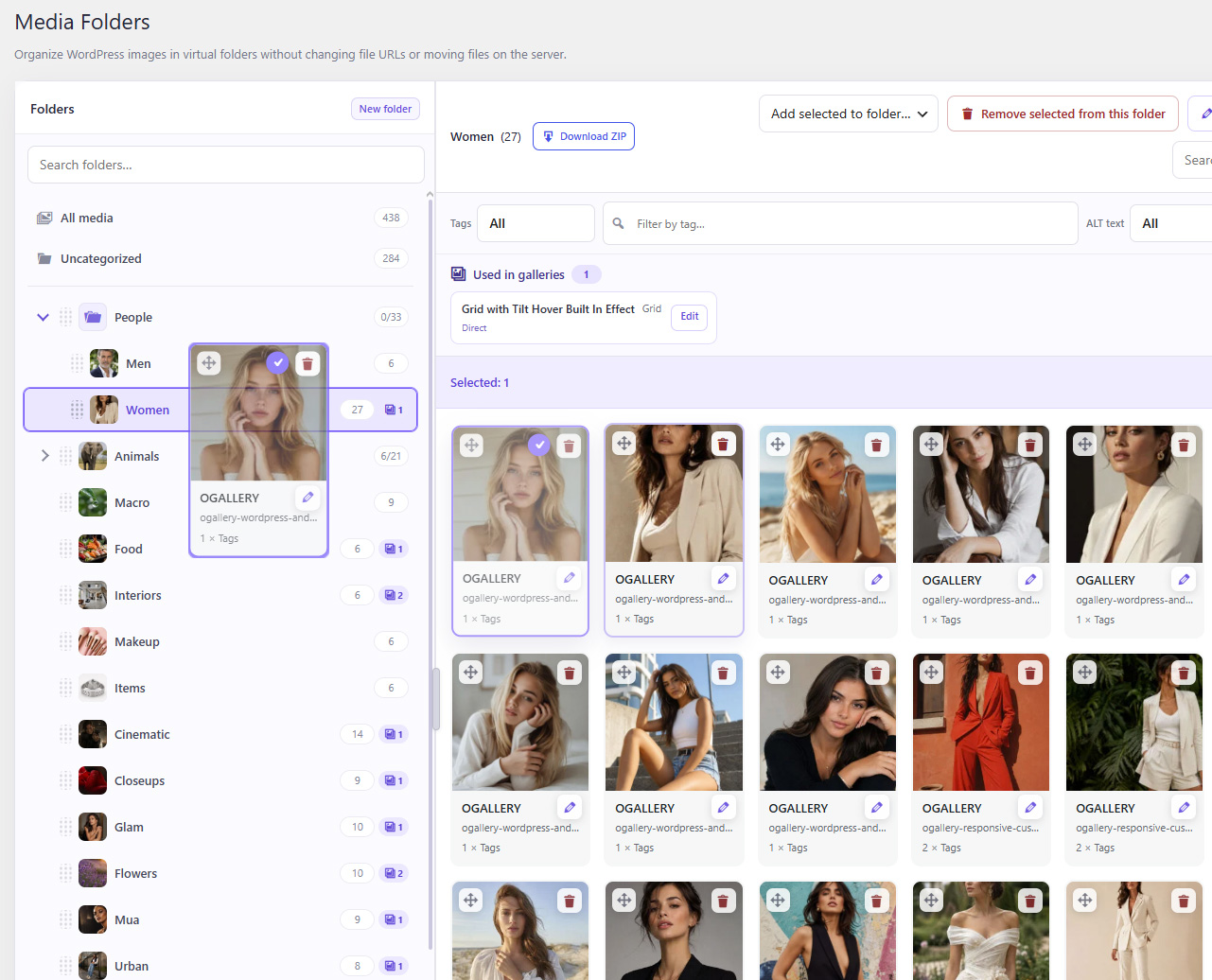
Create:
Images can belong to multiple folders without creating duplicate files.
The original WordPress file URLs remain unchanged.
Manage media visually.
Find the photographs you need much faster.
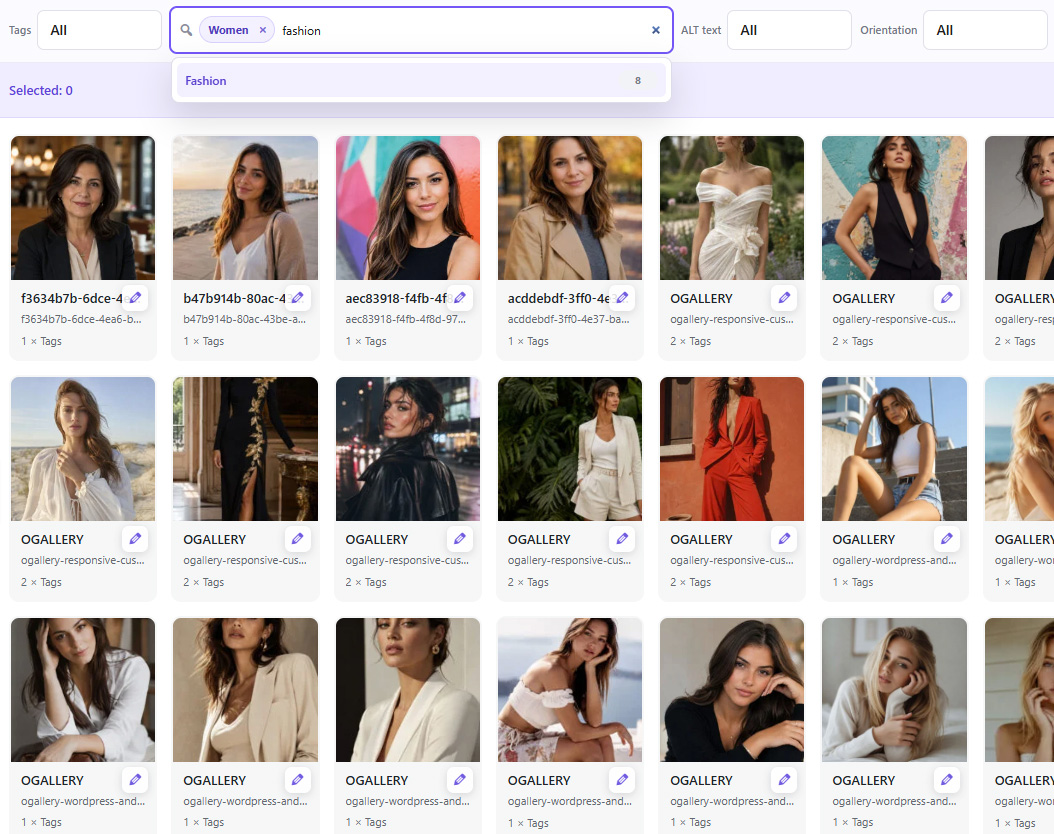
Filter by:
Also search images and folders directly.
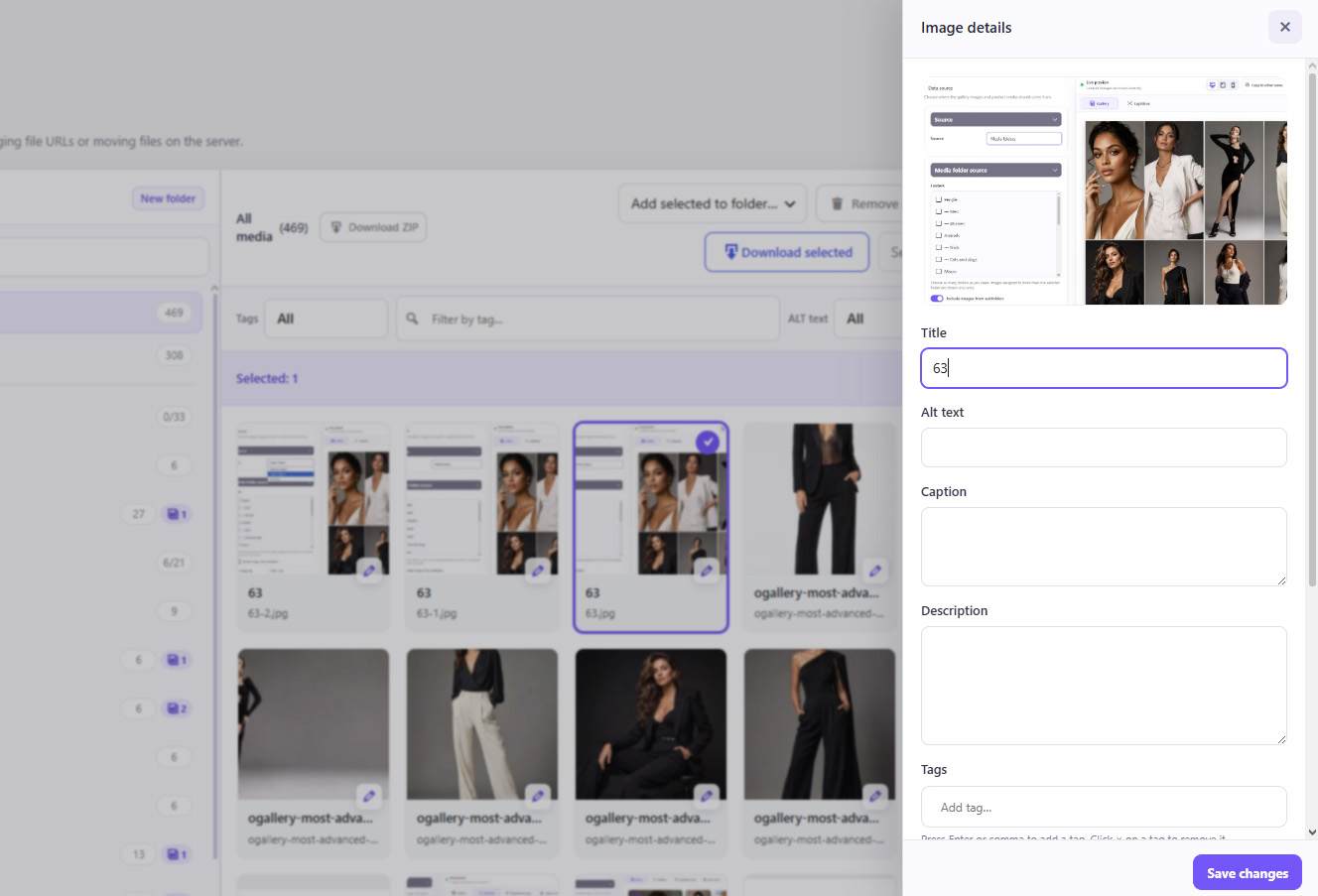
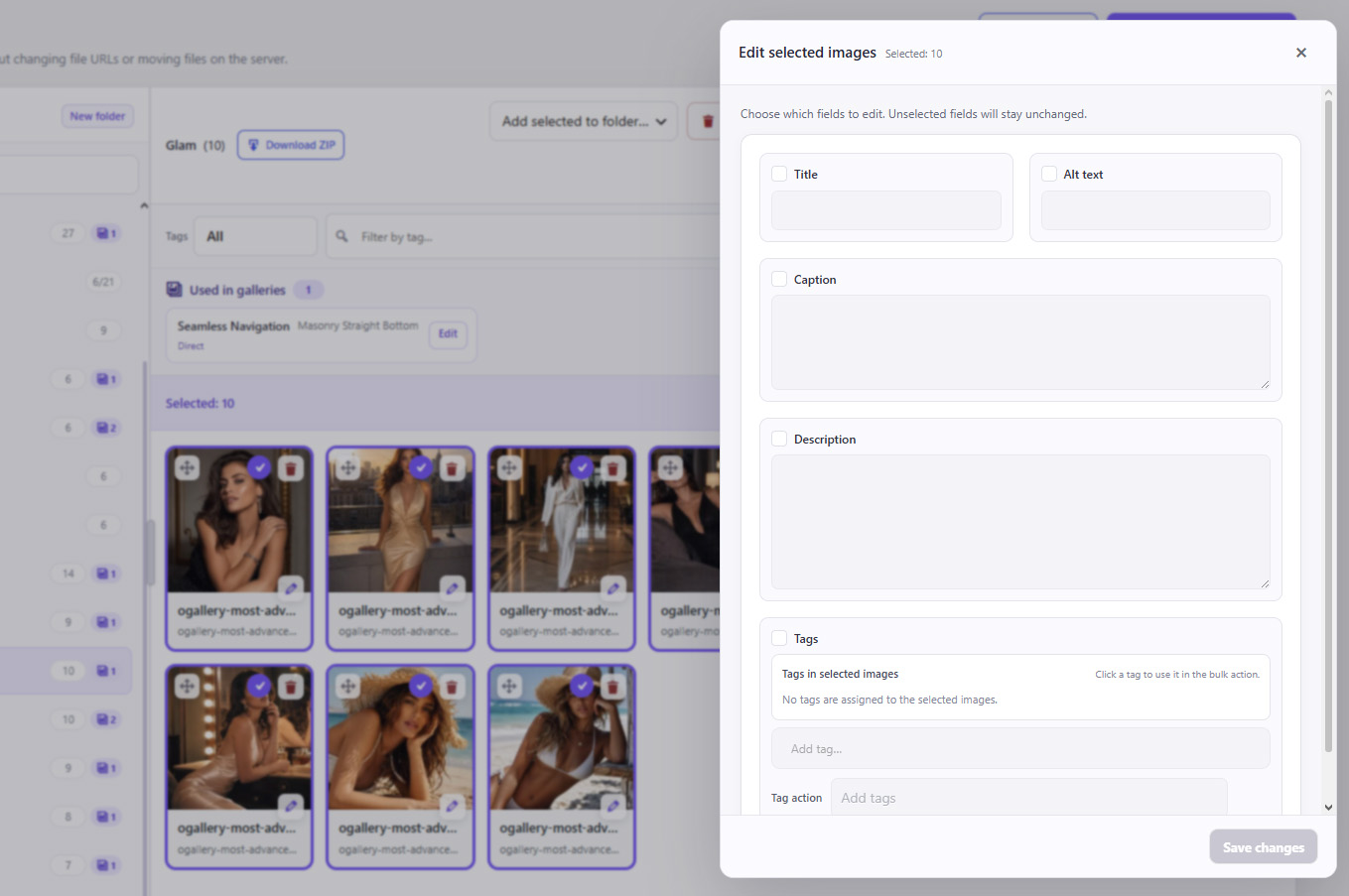
Edit many Media Library images at once.
Bulk-edit:
Individual image details can also be edited directly inside Media Folders.
See where your media is being used.
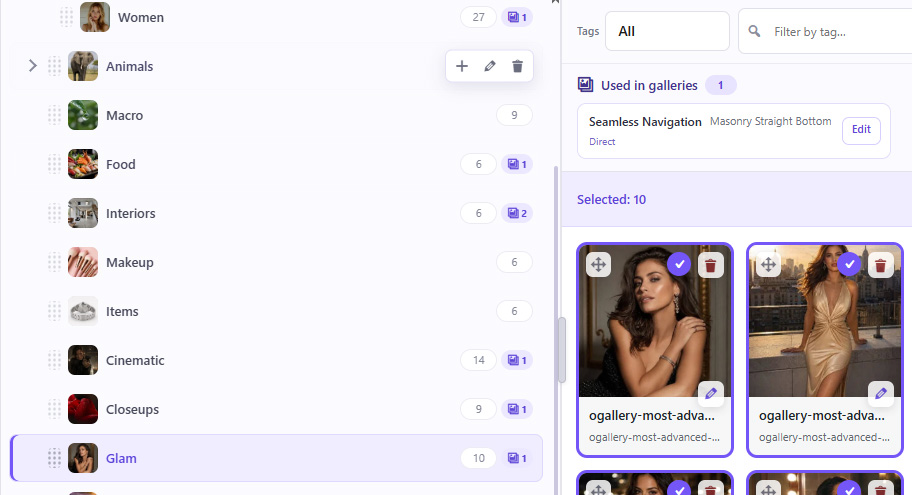
OGALLERY can show whether a Media Folder is connected to galleries and distinguish direct and indirect usage.
See when a Media Folder is connected directly to a gallery.
Track media that is being used through connected folder structures.
This makes managing large photo libraries much safer.
Import complete image collections in one operation.
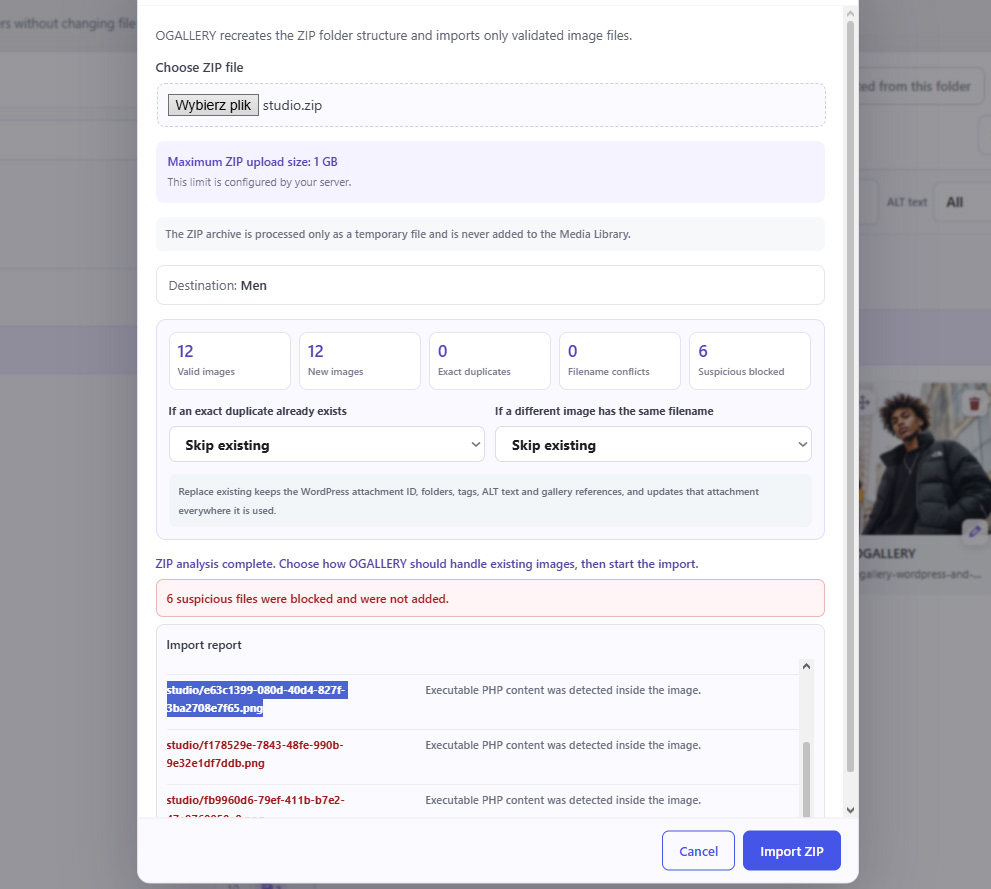
OGALLERY can:
Ideal for importing complete shoots, events and photography archives.
Organize individual galleries into complete visual collections.
Albums can contain:
This allows true multi-level album structures.
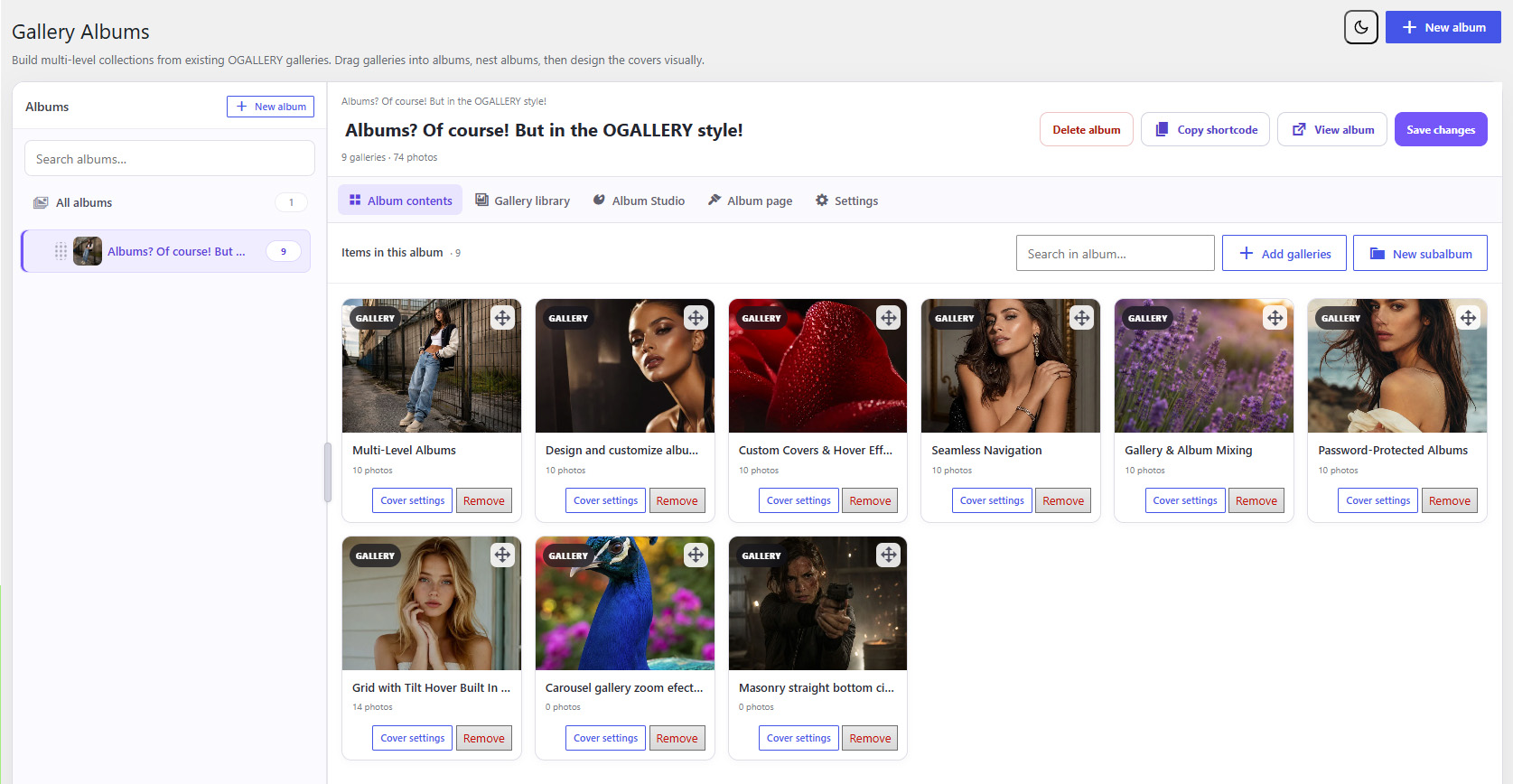
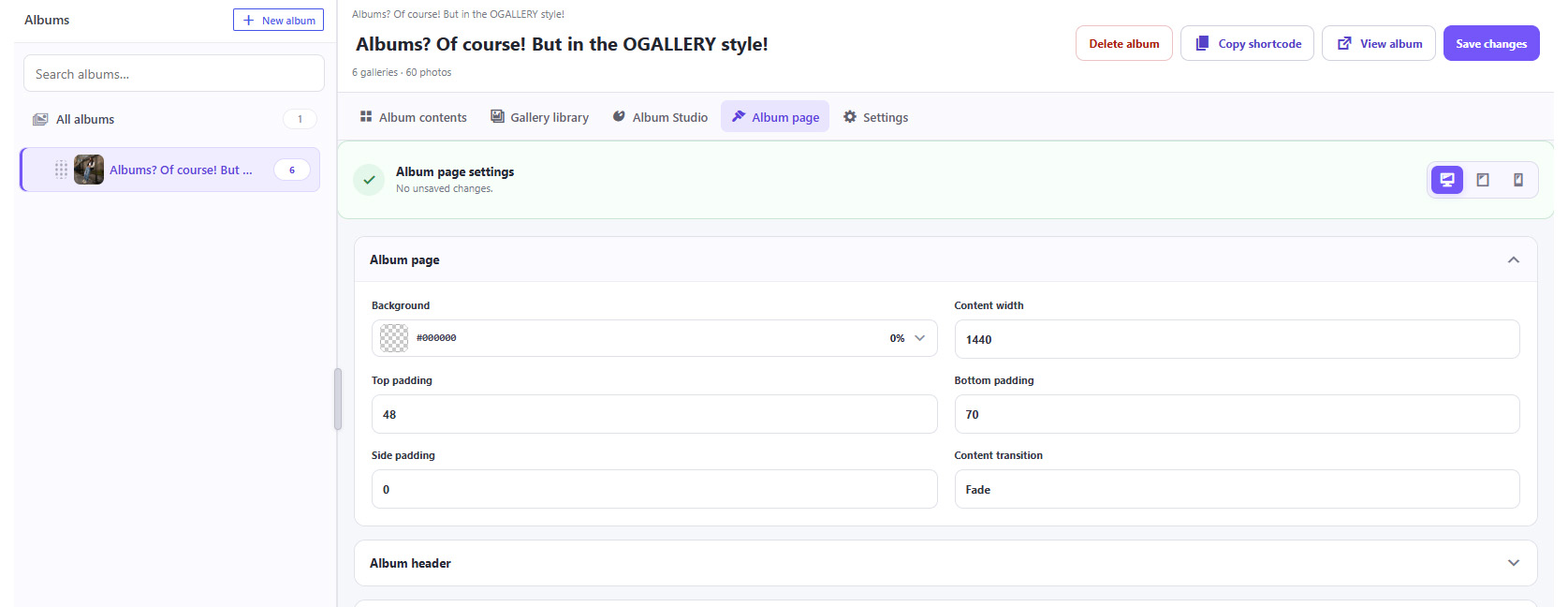
Albums are not just boring lists of gallery links.
Style album collections visually using gallery-like layouts including:
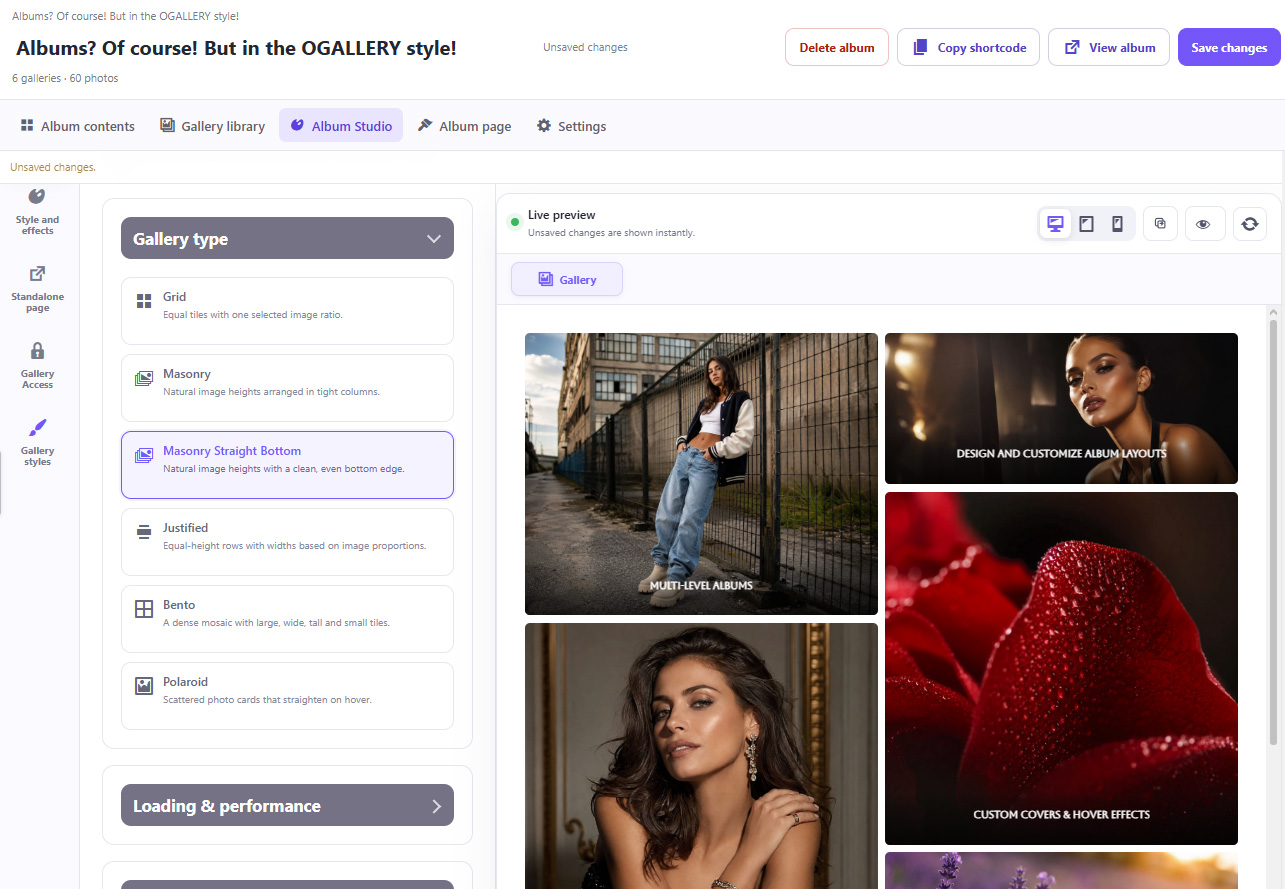
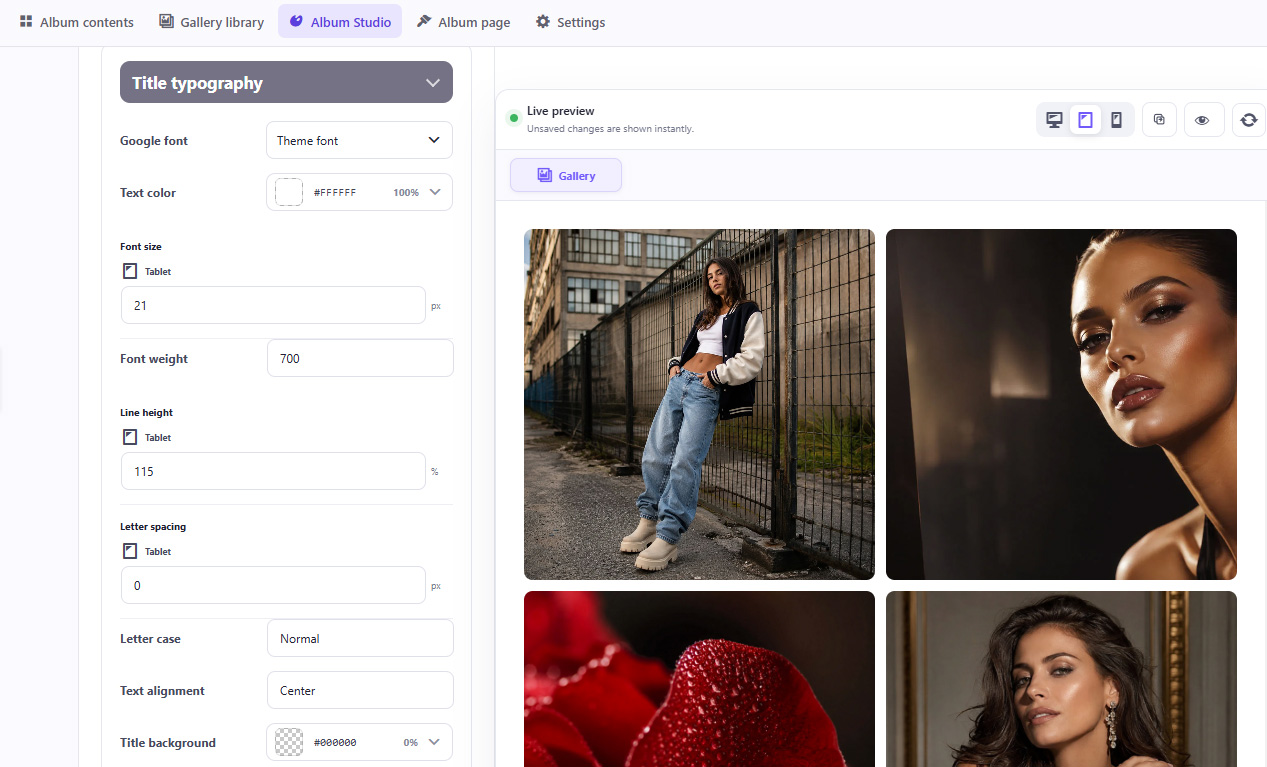
Customize album covers with:
Album layouts can be configured separately for:
Desktop · Tablet · MobileAlbums can also operate as their own independent presentation pages and can be password protected.
Create a design once and reuse it.
Save gallery styling as reusable presets for:
OGALLERY also includes ready-made style presets to help build galleries faster.
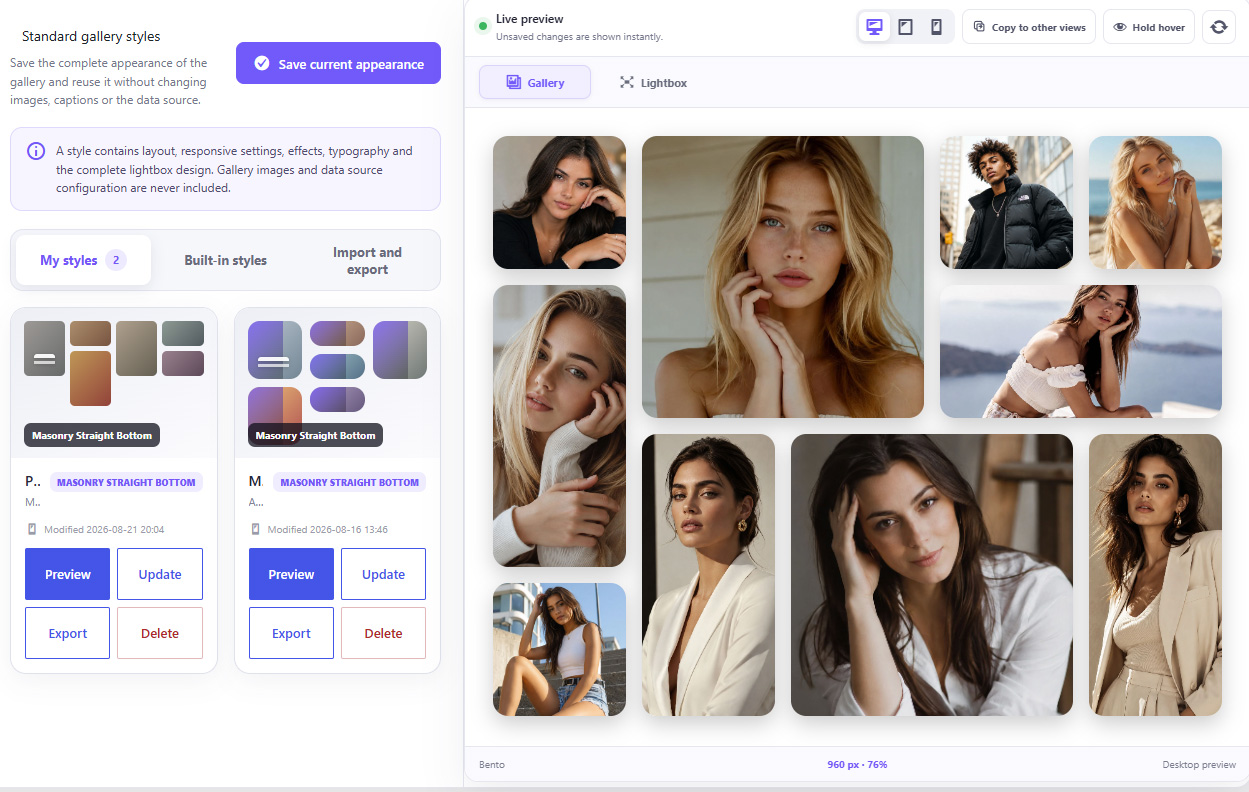
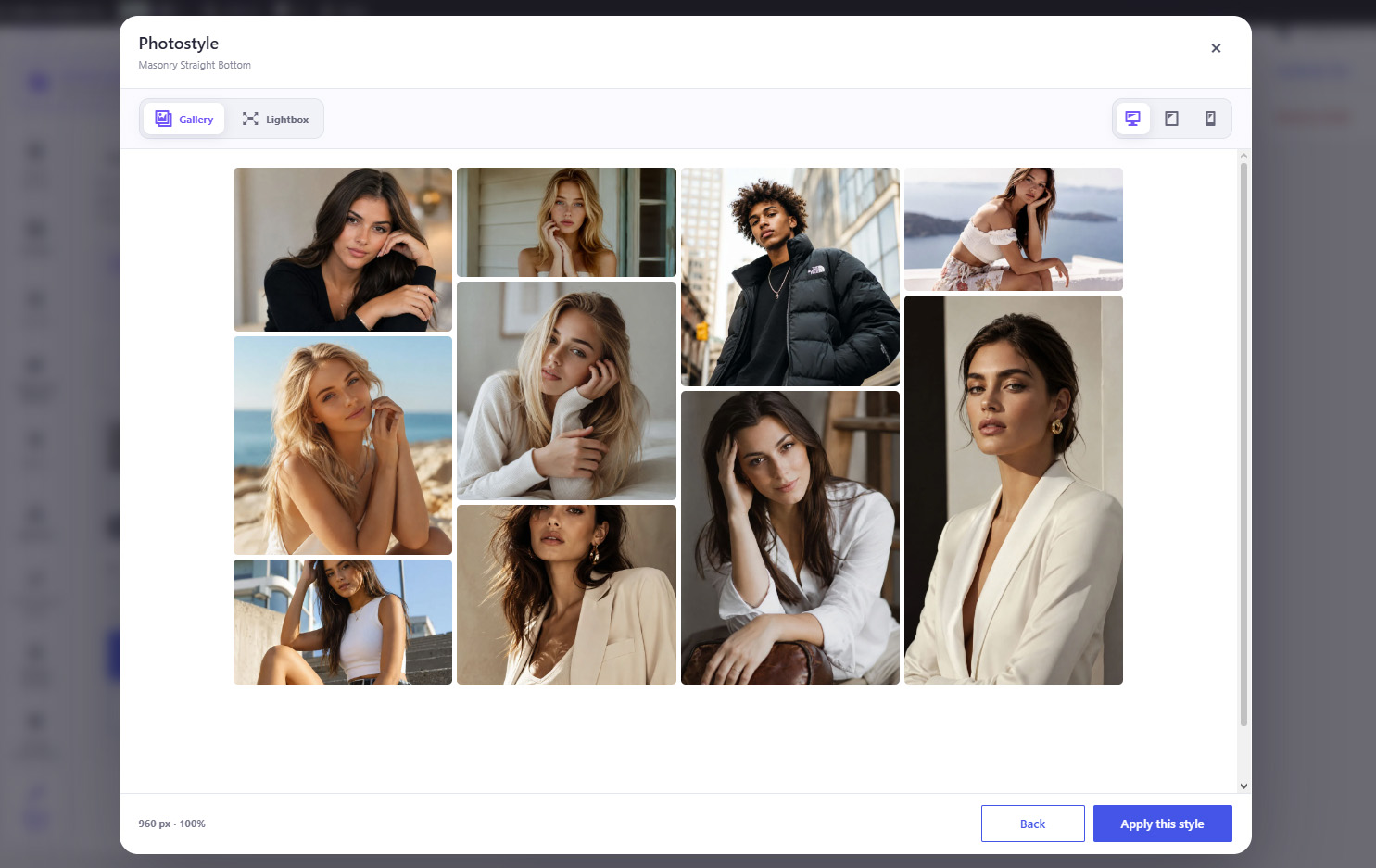
Build reusable style libraries:
Perfect for agencies and designers maintaining multiple websites.
Reusable hover effects:
Custom Hover Studio effects have their own library.
Create an effect once and apply it to different galleries without rebuilding the animation.
Effects can also be imported and exported independently.
Create a gallery quickly without configuring every advanced option.
The guided creation process helps you choose:
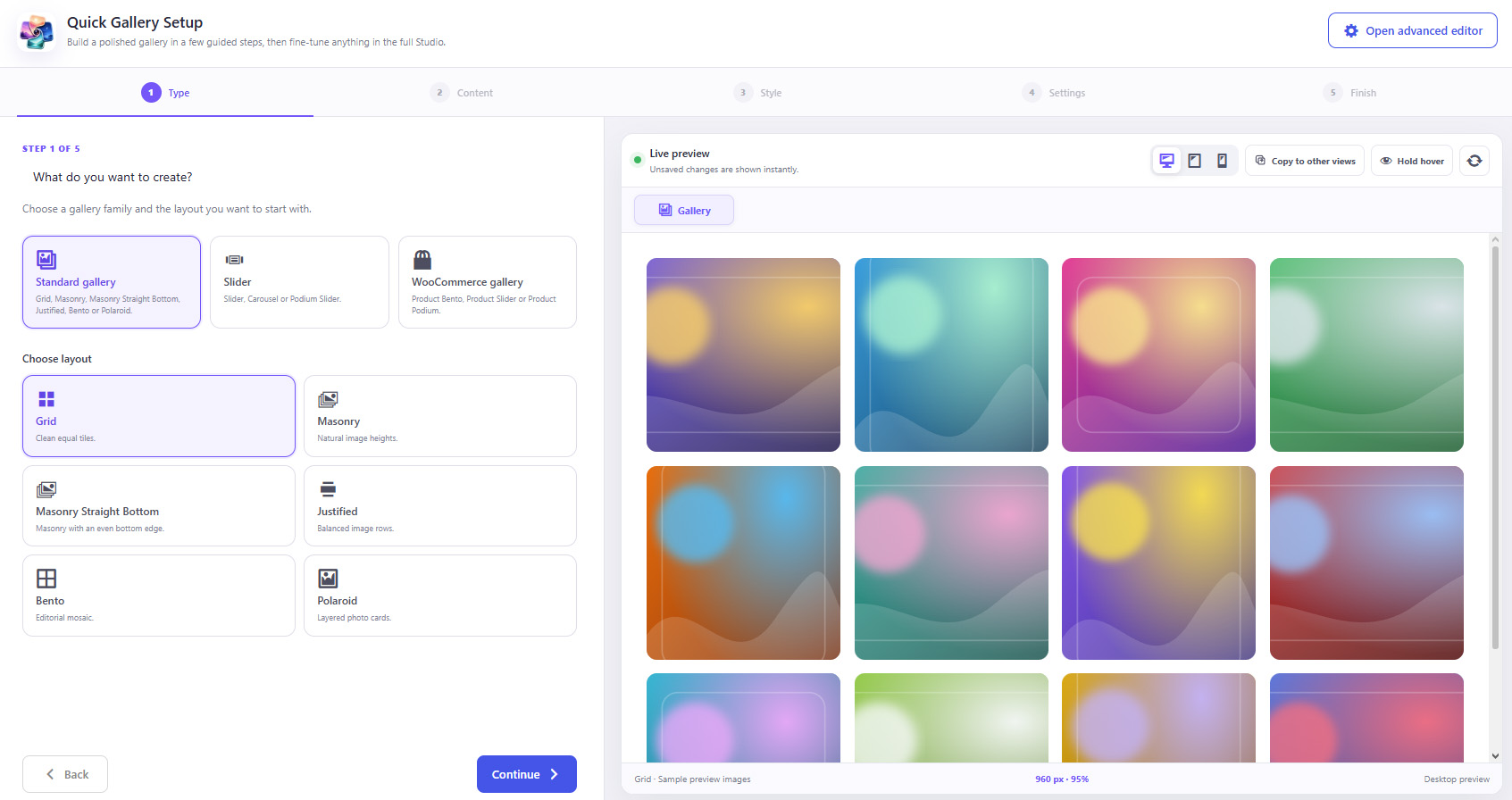
Then review everything before creating the gallery.
Advanced users can continue directly into the full Gallery Studio.
Already using another WordPress gallery plugin?
OGALLERY includes migration tools for:
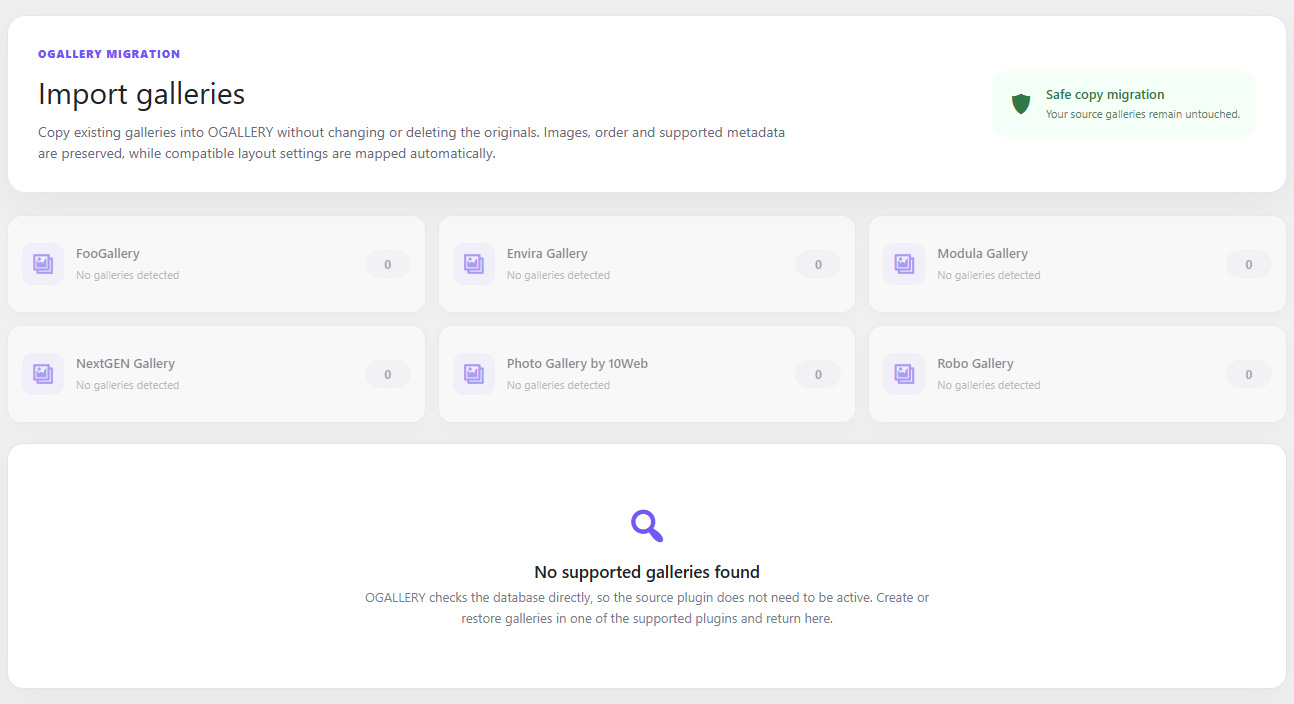
Import existing galleries into OGALLERY and reduce the work required to migrate an established website.
OGALLERY can also detect and replace supported gallery shortcode usage during migration.
Add an additional layer of protection to photography displayed online.
Available tools include:
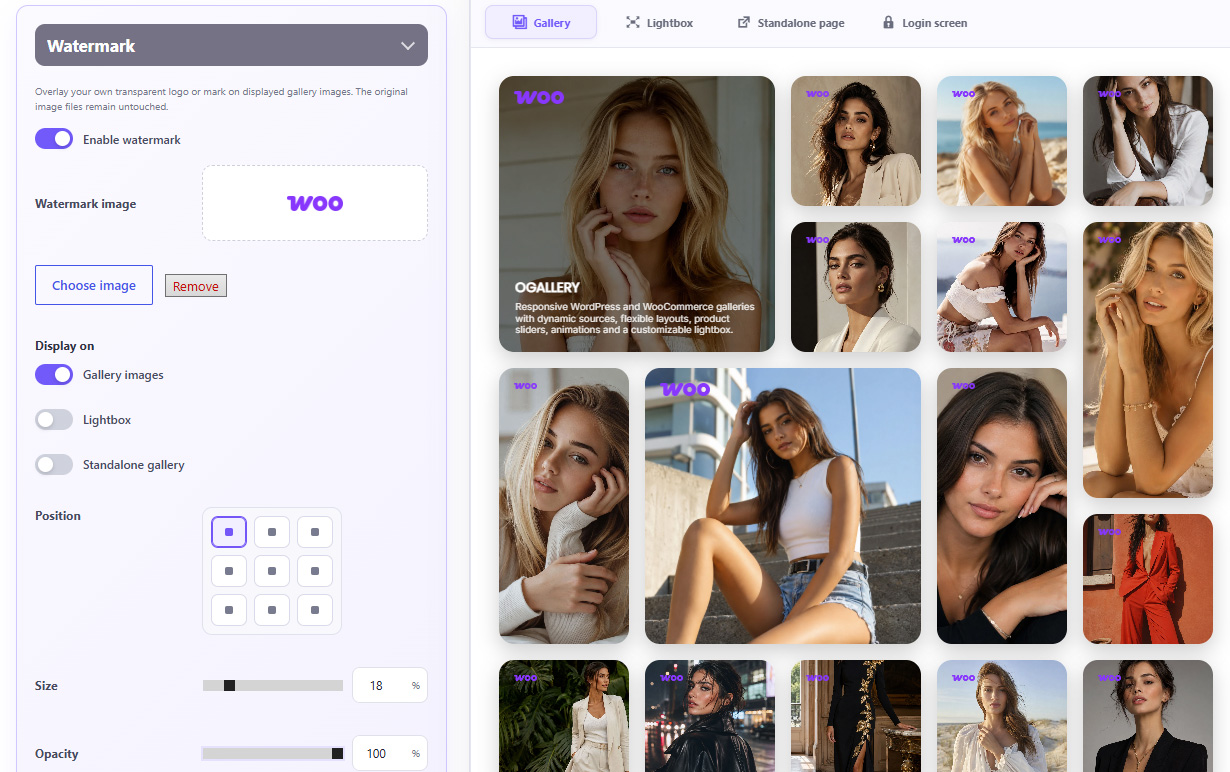
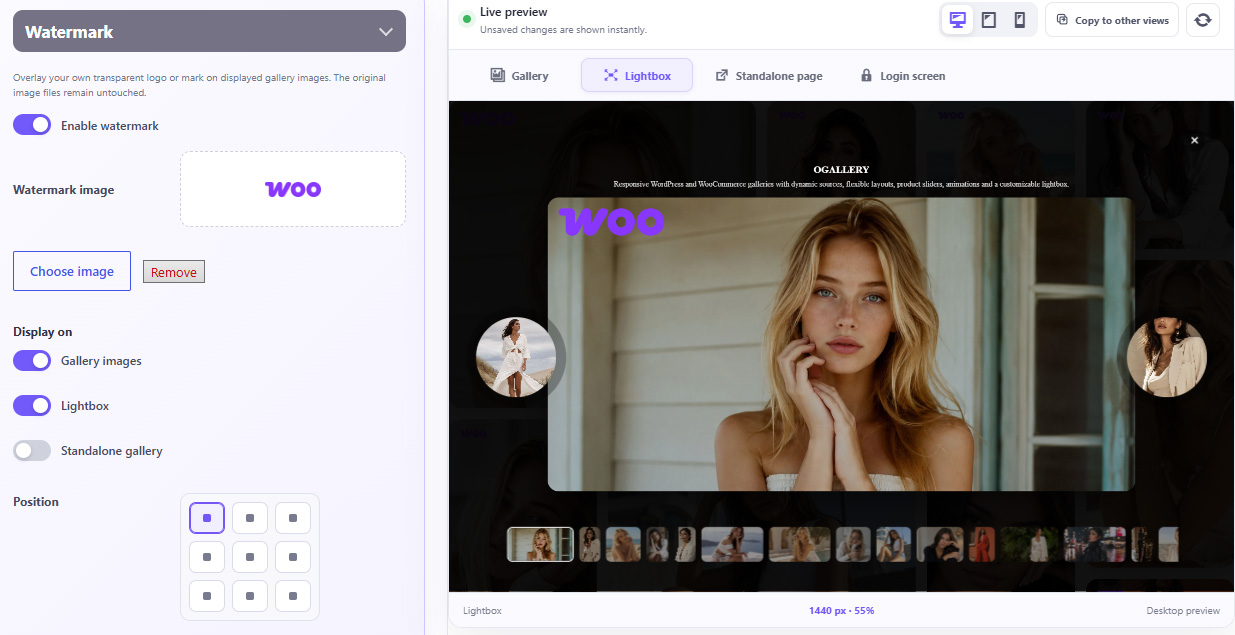
Upload your own watermark and control:
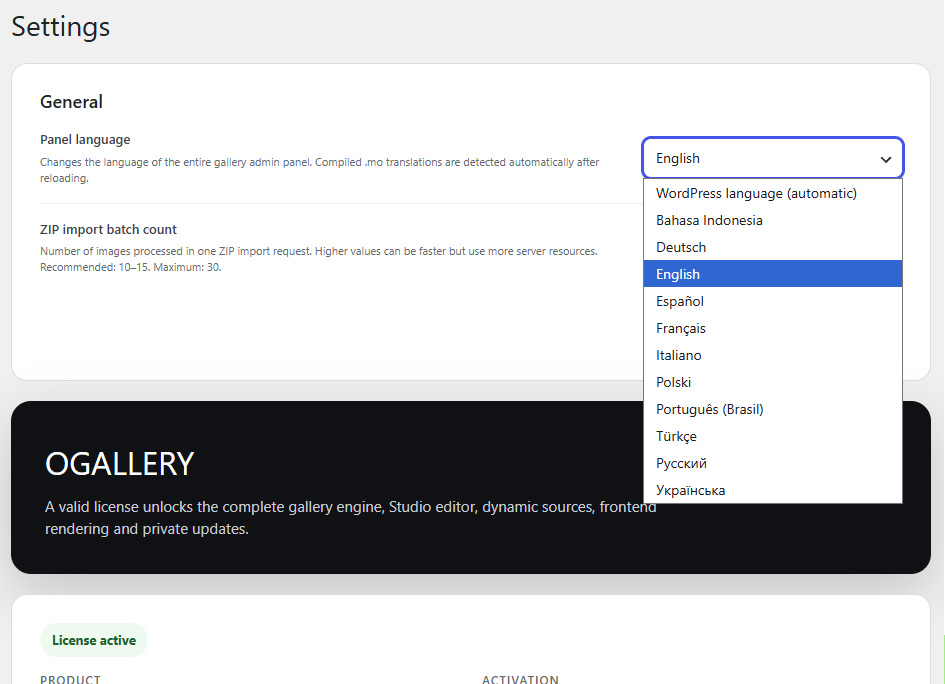
OGALLERY includes compiled interface translations for multiple languages.
SOCIAL SHARING INSIDE THE LIGHTBOX
Let visitors share individual photographs directly from the viewing experience.
Supported options include:
Choose whether sharing points to:
Social Sharing can be positioned:
Control every detail of the sharing interface:
And style it independently for desktop, tablet and mobile.